| LaserNet software
106
YLS-K
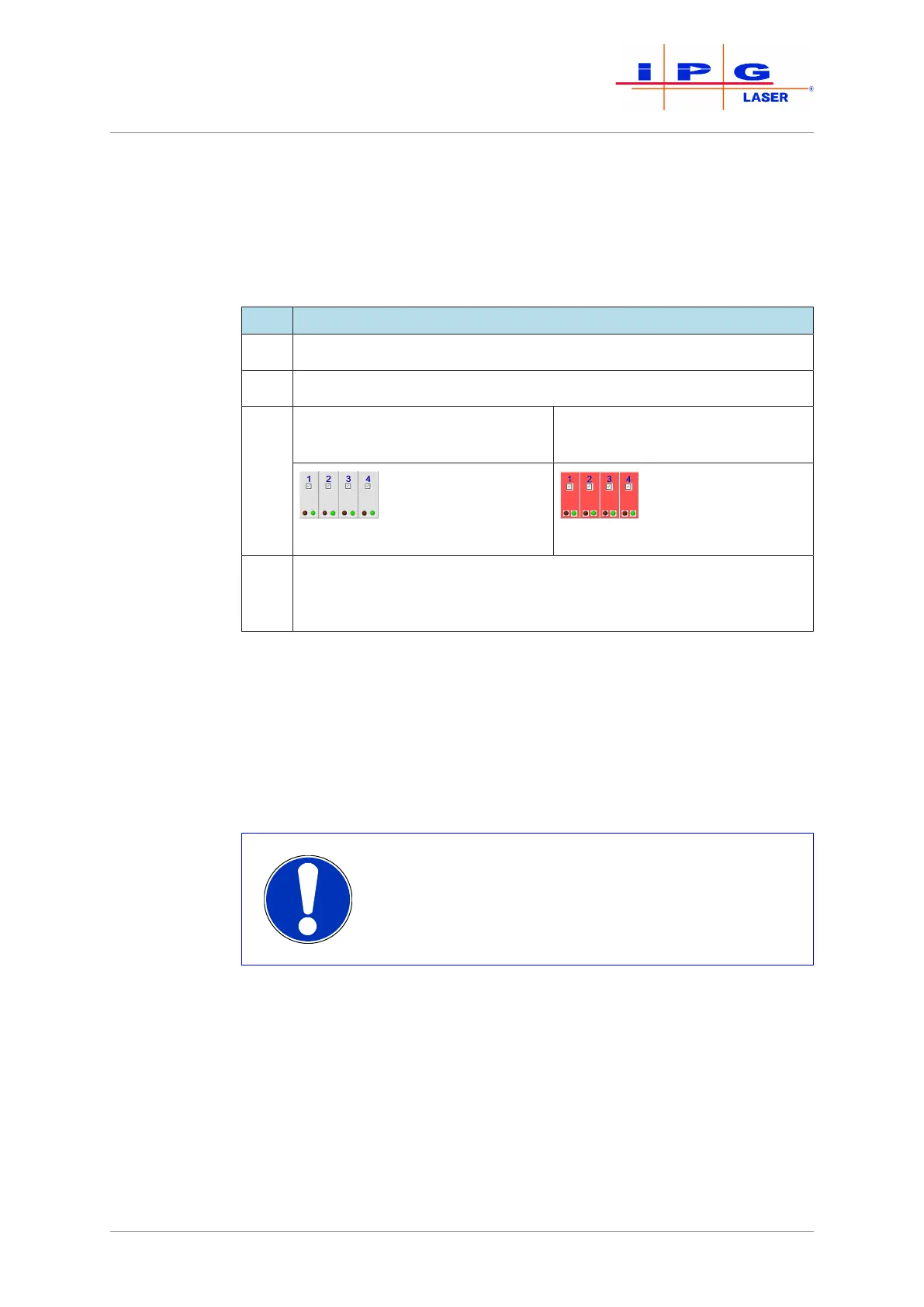
The Modules tab (see figure above) contains status information about
the installed laser modules. You can activate or deactivate individual
modules. The central elements of this tab are described in the table be-
low.
Item Description
1 This option is not available.
2 Indicates the number of the module.
3 If this field is gray, voltage is
present in the module.
If this field is red, no voltage is
present in the module.
4 If the green indicator LED is lit, communication with the module has
been established. If the red indicator LED is lit, a module error is
present.
Table17: Modules tab description
8.9 LaserNet program editor
With the program editor of the LaserNet software, you can create up to
50 custom laser programs. The program editor can be opened via the
path Menu Extras\Program Editor.
Editing rights in the LaserNet program editor
The editing of laser programs is only possible as Su-
pervisor. If an external control (PLC, robot) has se-
lected a program number, this program is locked
against editing.



 To Next Page