| LaserNet software
108
YLS-K
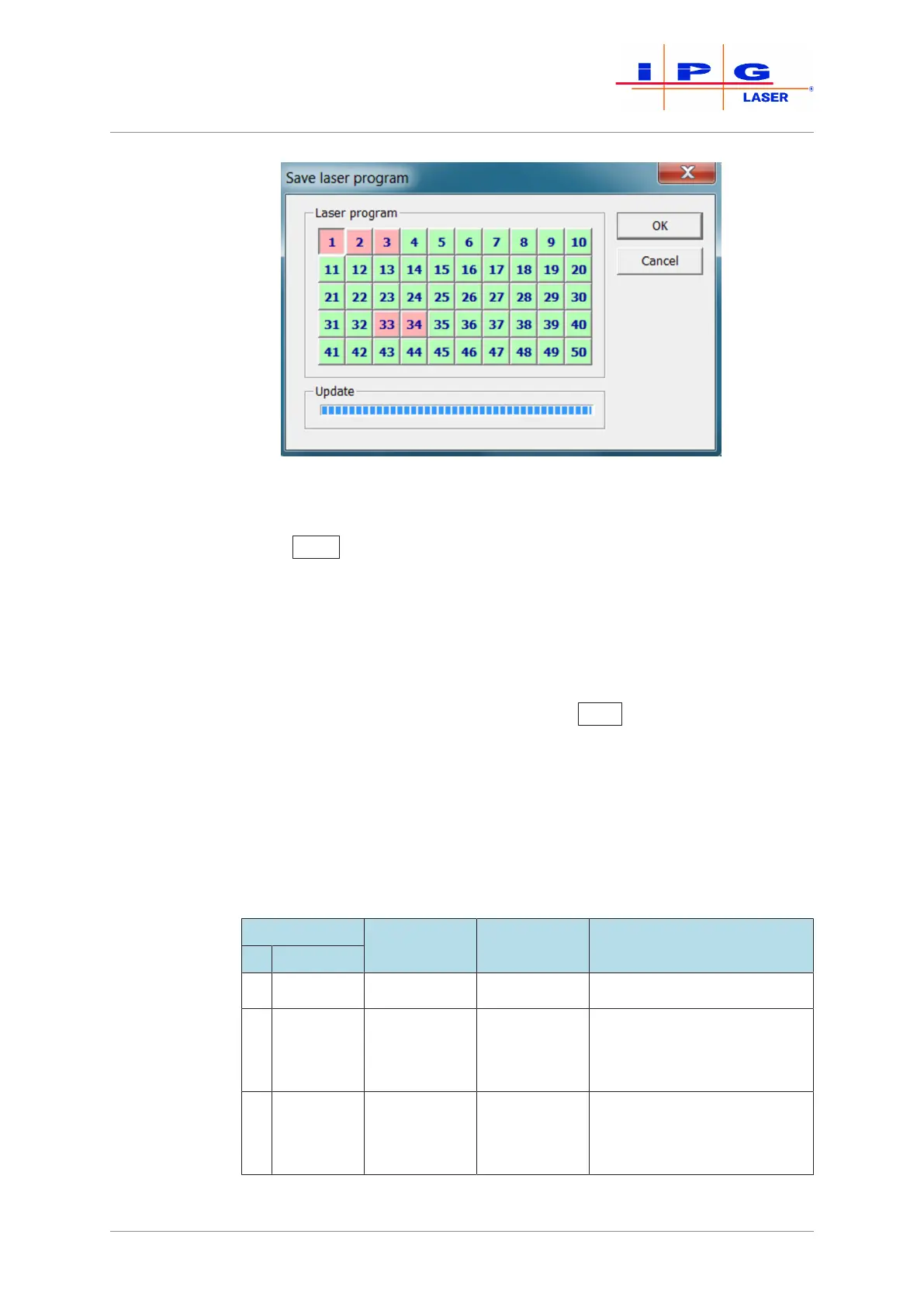
Figure68: Saving the laser program
ð To load a previously saved laser program, click on the button
Read
(see Fig. Editing window) and select the desired program
number (1-50).
After loading the laser program, the current program number in the title of the ta-
ble is shown in the editing window.
You can also save a laser program as a file on the computer.
ð To do this, click in the program editor on the menu File and then
on Save (see Fig. Editing window).Enter the path of the save loca-
tion and the file name, then click on Save
.
The program file is stored as a text file with the extension ".Inp" and can be viewed
and modified in any standard text editor.
ð To load a laser program that you have saved on your computer as
a text file, click in the program editor on the menu File and then
on Open.Select the desired file.
8.9.2 Command list for laser programs
Command Parameter 1 Parameter 2 Comment
# Name
1 STOP - - No parameter possible
2 SPT 0 – 5000 or
FBUS
0 – max.
power or
FBUS
Parameter 1 – Time in ms
(max. 5000 ms)
Parameter 2 – Power in W
3 SPR 0 – 655000
or FBUS
0 – max.
power or
FBUS
Parameter 1 – Rise time in
W/ms
Parameter 2 – Power in W



 To Next Page