123YLS-K
9.1.4 Checking the water outlet
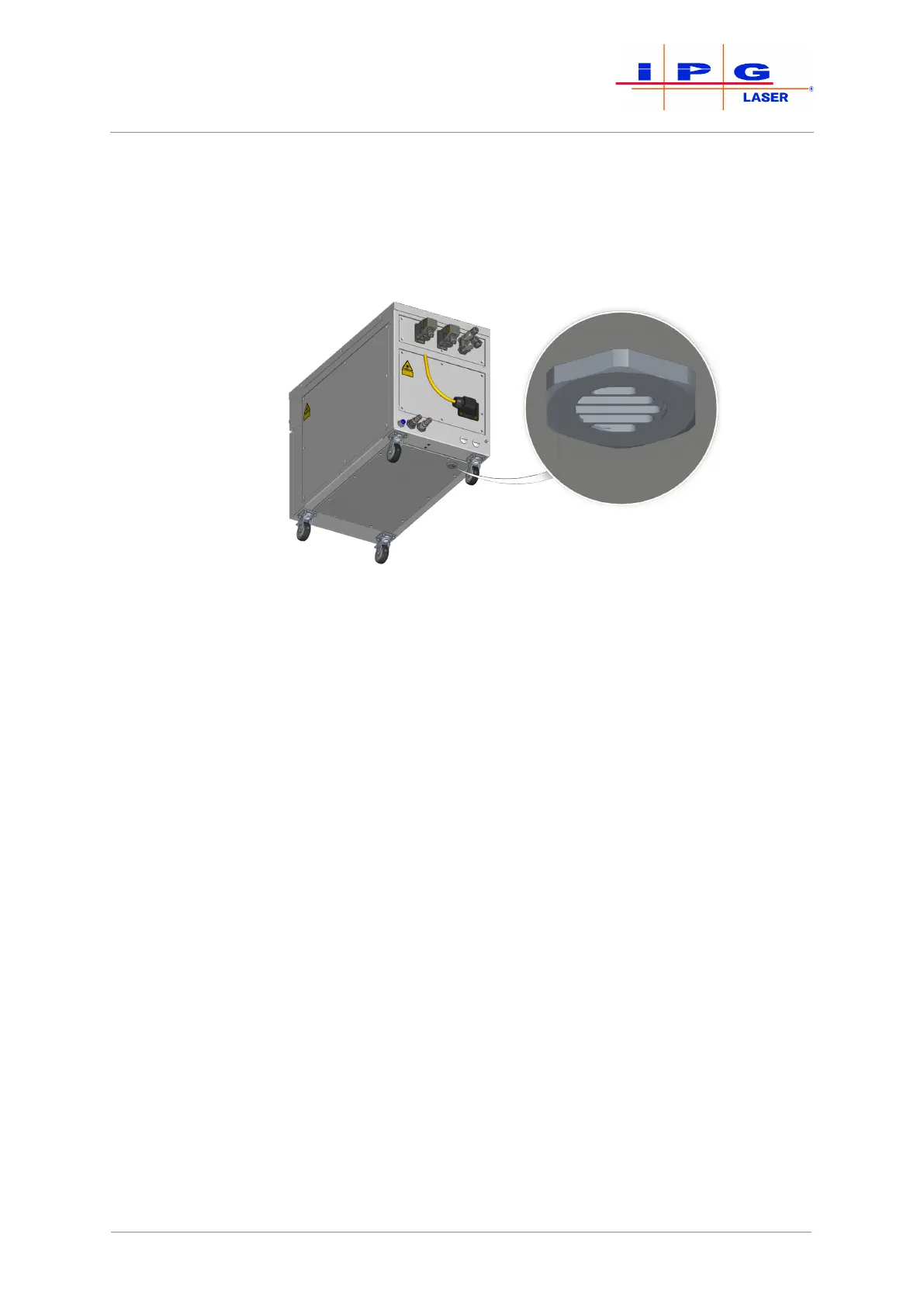
The product is equipped with a water drain with a water-soluble mem-
brane in the cabinet bottom. In the case of a leakage inside the laser, the
membrane dissolves and the water can flow out through the water
drain.
Figure75: Water drain in the cabinet bottom
If the membrane is missing, the seal of the cabinet is impaired so that
the correct microclimate inside the cabinet can no longer be guaran-
teed.
ð Check the integrity of the membrane at least once per year or if
there is reason to suspect that the membrane was damaged, such
as by water spray.
The absence of the membrane is often associated with the alarm message Dew
point temperature too high.
ð Proceed as follows to check the integrity of the membrane.
1. Remove the eight M5 countersunk screws on the left cover of the
laser cabinet.
2. Carefully move the left cover to the side.
The left cover is connected to the frame of the laser cabinet by a grounding wire.
The grounding wire is affixed to the grounding connector (star connector) with a
flat connector.
3. Unplug the flat connector of the grounding line from the ground-
ing connector on the frame.
4. Remove the left cover.
| Maintenance



 To Next Page