| Maintenance
124
YLS-K
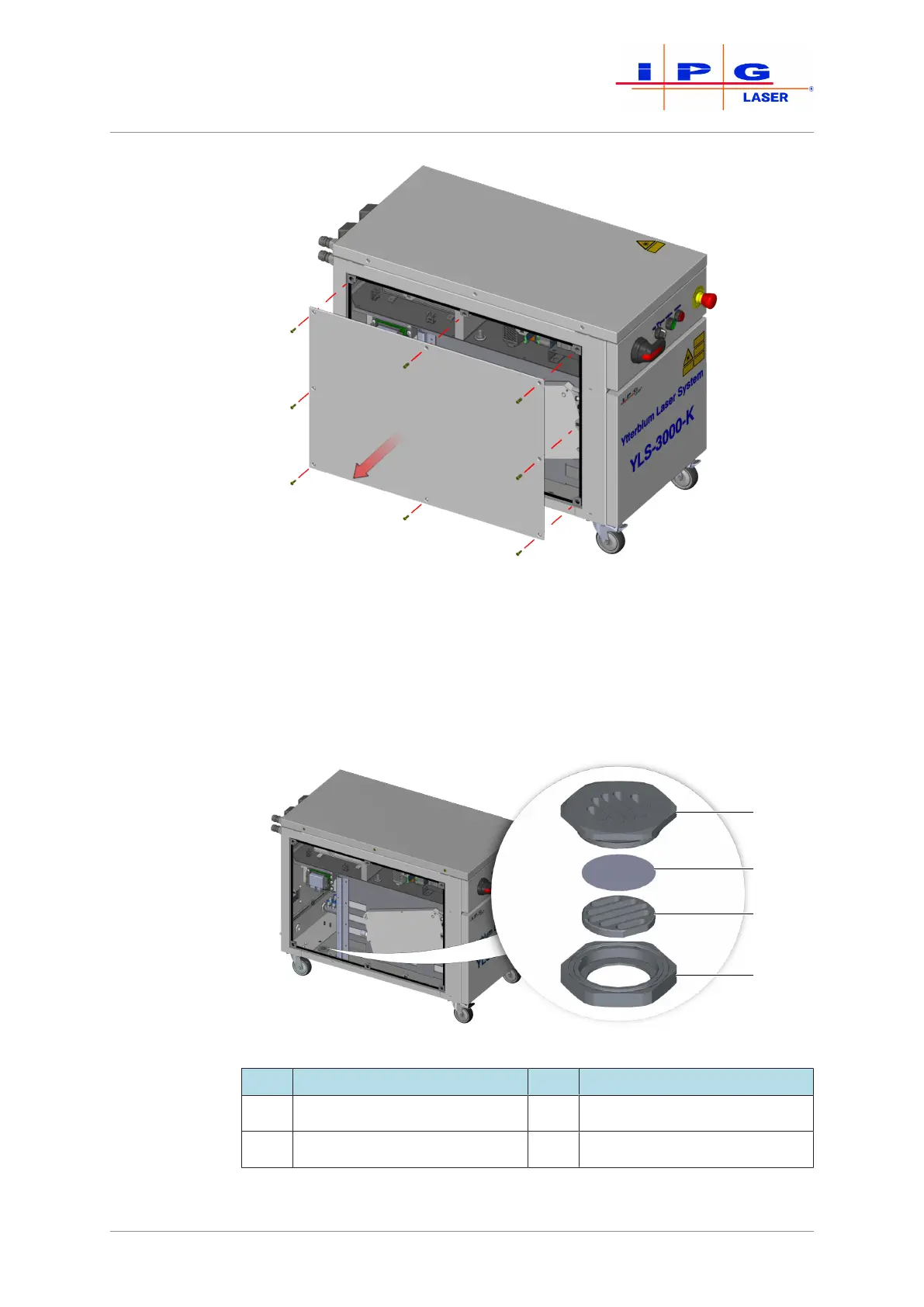
Figure76: Removing the left cover
5. Look through the membrane mount, and check whether the mem-
brane is present and undamaged.
The membrane is a replacement part and is delivered in an assembly to-
gether with the membrane mount and the membrane holder.
Figure77: Replacing the water drain
Item Designation Item Designation
1 Membrane mount 3 Membrane holder
2 Water-soluble membrane 4 Drain nut



 To Next Page