73YLS-K
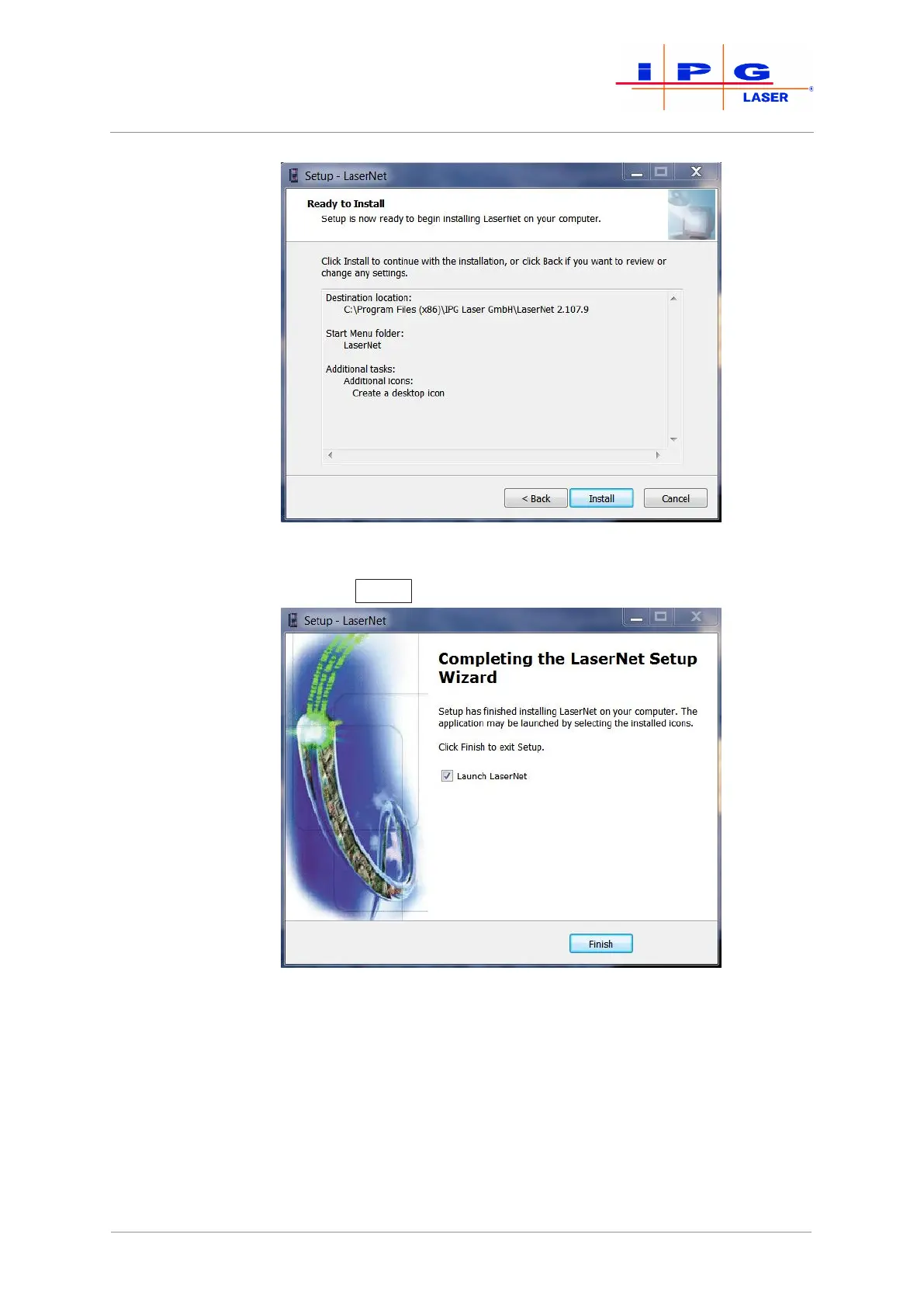
Figure30: Setup LaserNet - Installing the software
9. Click on Finish
to finish the installation.
Figure31: Setup LaserNet - Finishing the installation
10. Keep the option Launch LaserNet selected, to start LaserNet after
the Installation is finished.
LaserNet is now installed on your PC.
| LaserNet software



 To Next Page