| LaserNet software
92
YLS-K
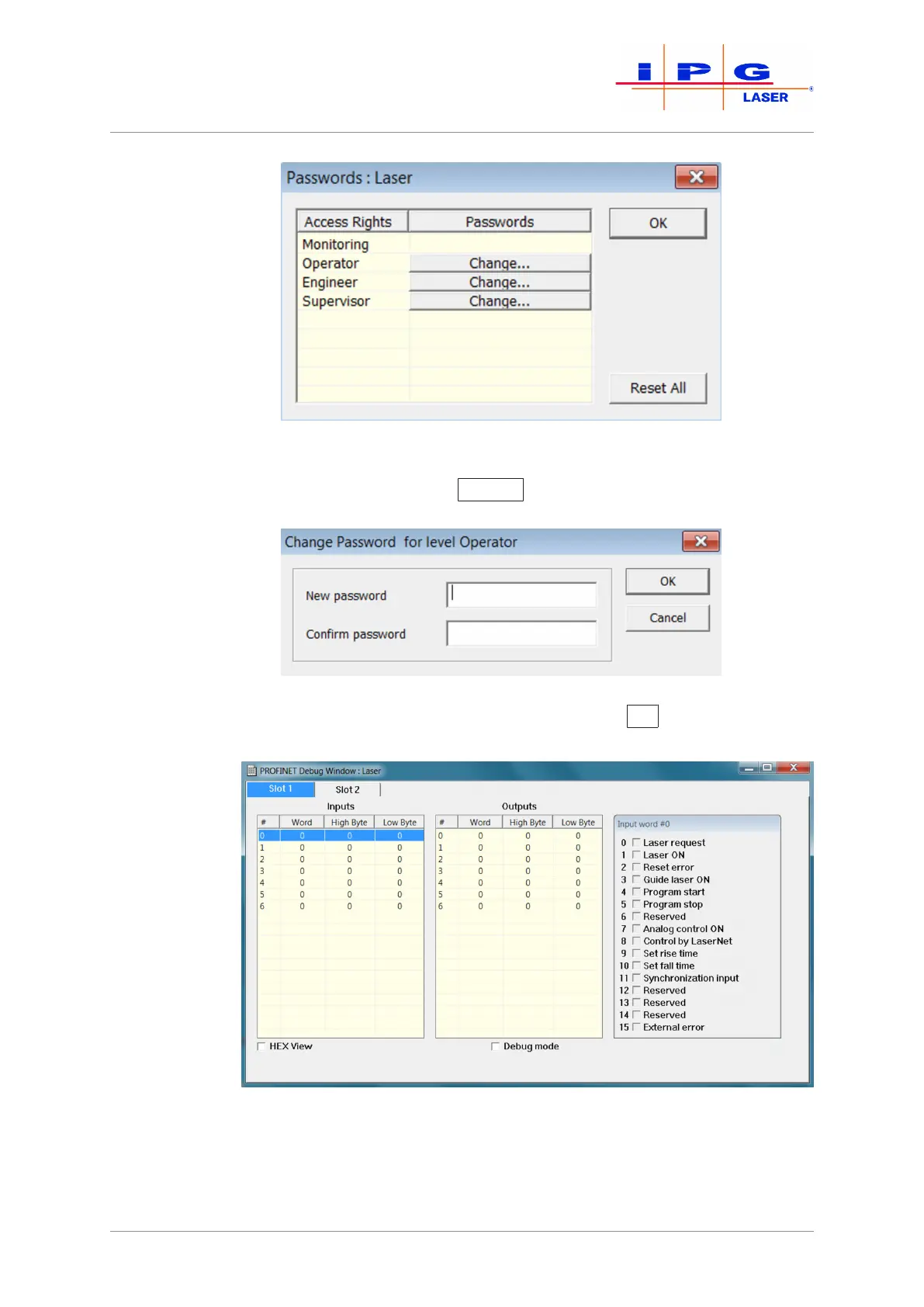
Figure51: Password entry
2. Click on the button Change
for the access level to change the
password.
Figure52: Change Password
3. Enter the new password and confirm with OK
.
Fieldbus Debug
Window
Figure53: Fieldbus Debug Window (PROFINET example)
In the submenu Fieldbus Debug Window, the communication between
master and slave is displayed.



 To Next Page