93YLS-K
If the debug mode is activated in this submenu, all fieldbus output bits
can be set manually. In this case, the laser will not respond to input bits.
If debug mode is not activated, no outputs can be set manually.
8.6.5 Help menu
LaserNet Help
The submenu LaserNet Help opens the LaserNet offline help (if in-
stalled).
Setup
Teamviewer QS
Via the submenu Setup Teamviewer QS, you have the option of allowing
service technicians of IPG Laser GmbH to access your computer.
About LaserNet
The submenu About LaserNet shows the version number of the cur-
rently installed LaserNet software.
8.7 LaserNet status indicators
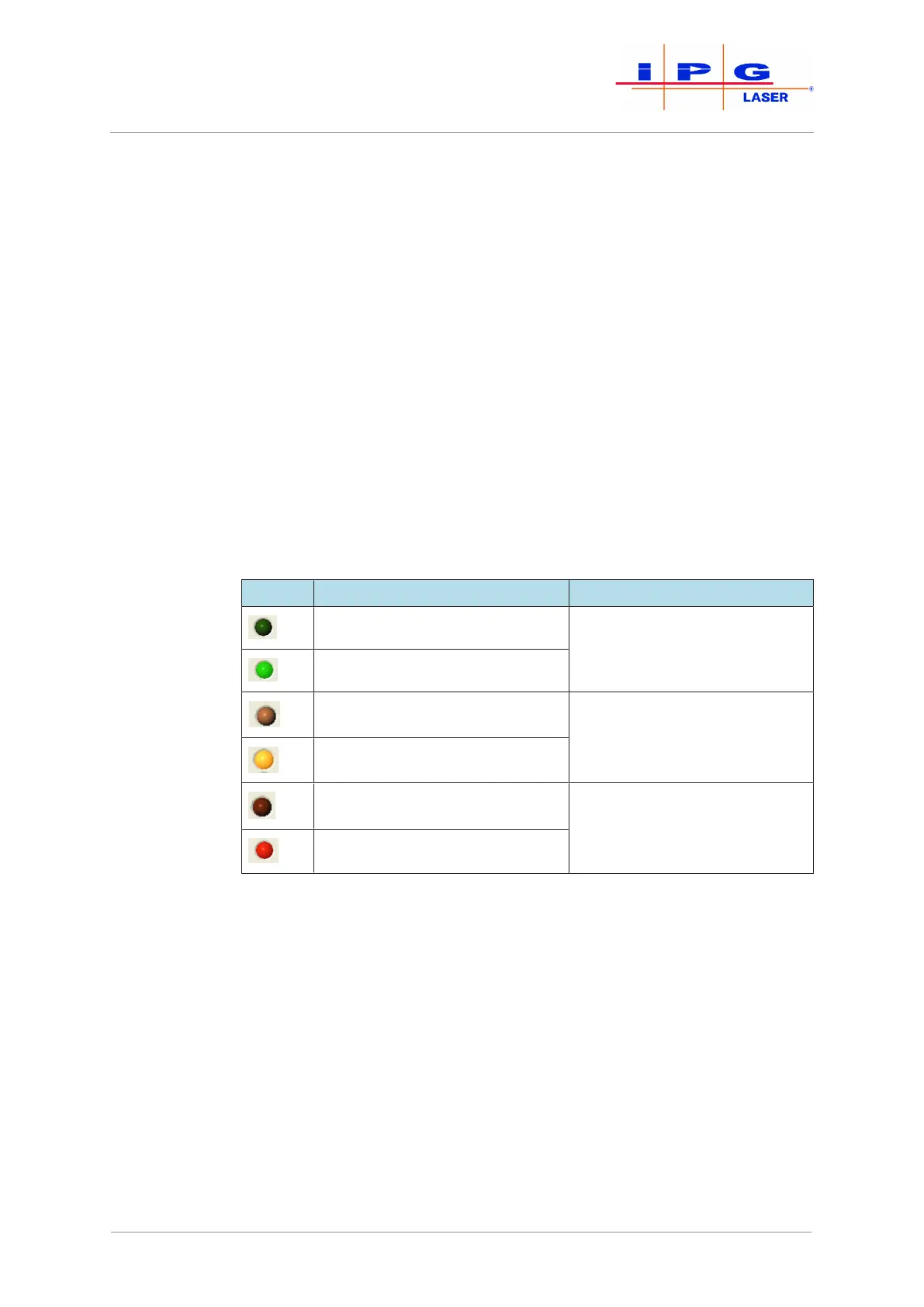
LaserNet uses three different LED indicators. The LED indicators are
listed and explained in the following table.
LED Status Description
Status LED indicator inactive Indicates information about the
laser.
Status LED indicator active
Warning LED indicator inactive Indicates warnings.
Warning LED indicator active
Error LED inactive Indicates alarms or error mes-
sages.
Error LED active
Table12: Description of the LaserNet status indicators
8.8 LaserNet tabs
The tabs shown in this section provide examples in order to describe
the LaserNet software. The type and number of the tabs as well as the
status, warning and fault messages shown vary based on the configura-
tion of the laser.
8.8.1 Status tab
This tab displays status messages and actual values of the laser. The
green status LED indicator , which is shown in front of every status
message, indicates whether a status message is active or inactive
| LaserNet software



 To Next Page