| LaserNet software
94
YLS-K
(LaserNet status indicators [}93]). A detailed description of the status
messages can be found in the appendix under Messages of the Status
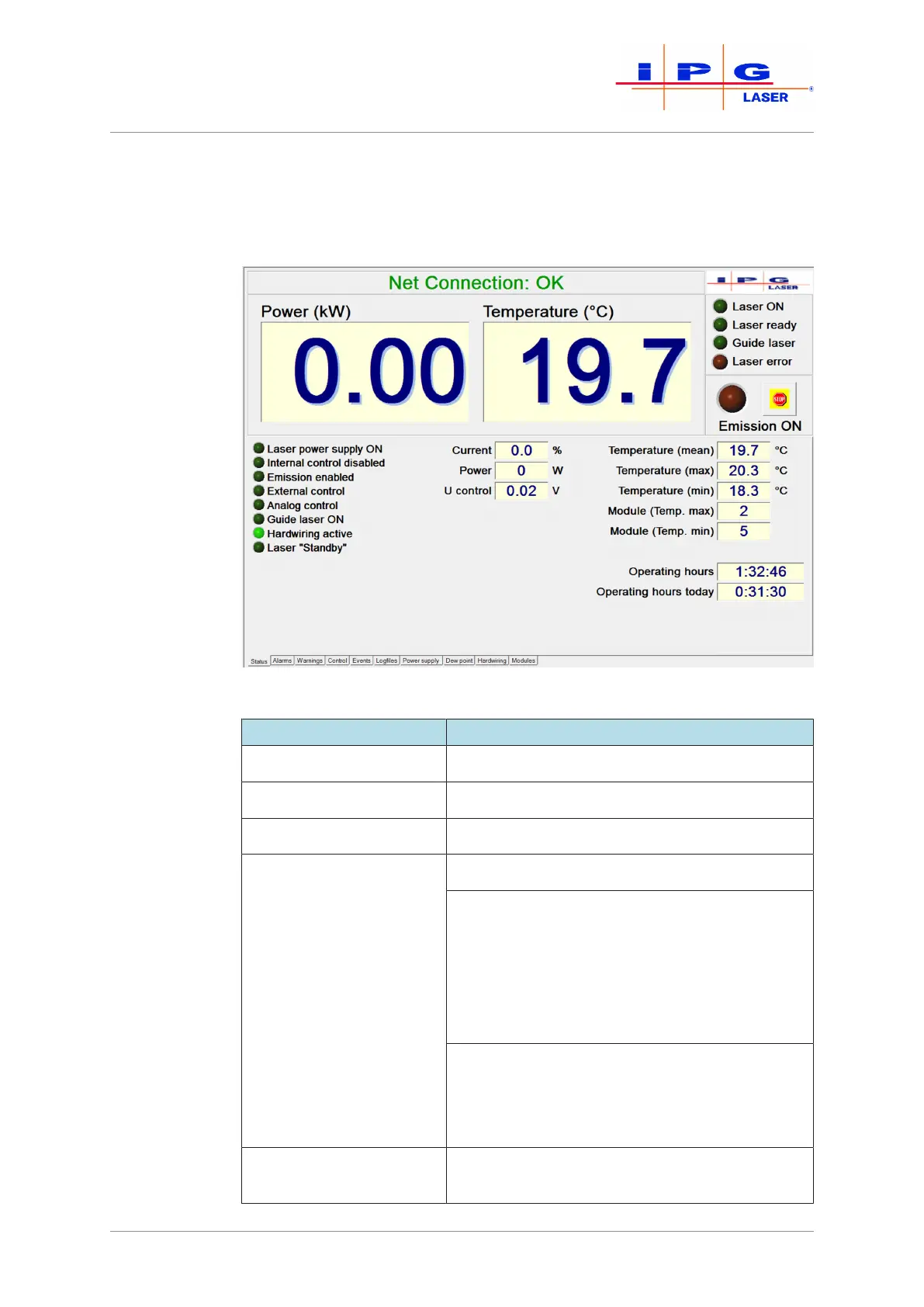
tab.The actual values are described briefly below.
Figure54: Status tab
Actual values Description
Current Pump current in percent
Power Laser output power in watts
Water flow (optional) Water flow in liters per minute
Flow Feeding fiber (op-
tional)
Water flow in liters per minute
Flow meter option:
ð Drag the mouse pointer over this field
to display the preset limits for warn-
ing and alarm.
If a warning or alarm appears, this window ap-
pears with a yellow or red background color.
Flow controller option:
If the flow rate falls below the preset value, an
alarm notification is displayed on the Alarms
tab.
Int. control voltage Analog control voltage for setting the module
power



 To Next Page