95YLS-K
Actual values Description
Temperature (mean) Average temperature determined from the aver-
age values of all the modules
Temperature (max) Temperature of the module with the highest
temperature
Temperature (min) Temperature of the module with the lowest
temperature
Module (Temp. max) Number of the module with the highest temper-
ature
Module (Temp. min) Number of the module with the lowest tempera-
ture
Operating hours Total operating hours of the laser
Operating hours (today) Operating hours of the laser on the current day
8.8.2 Alarms tab
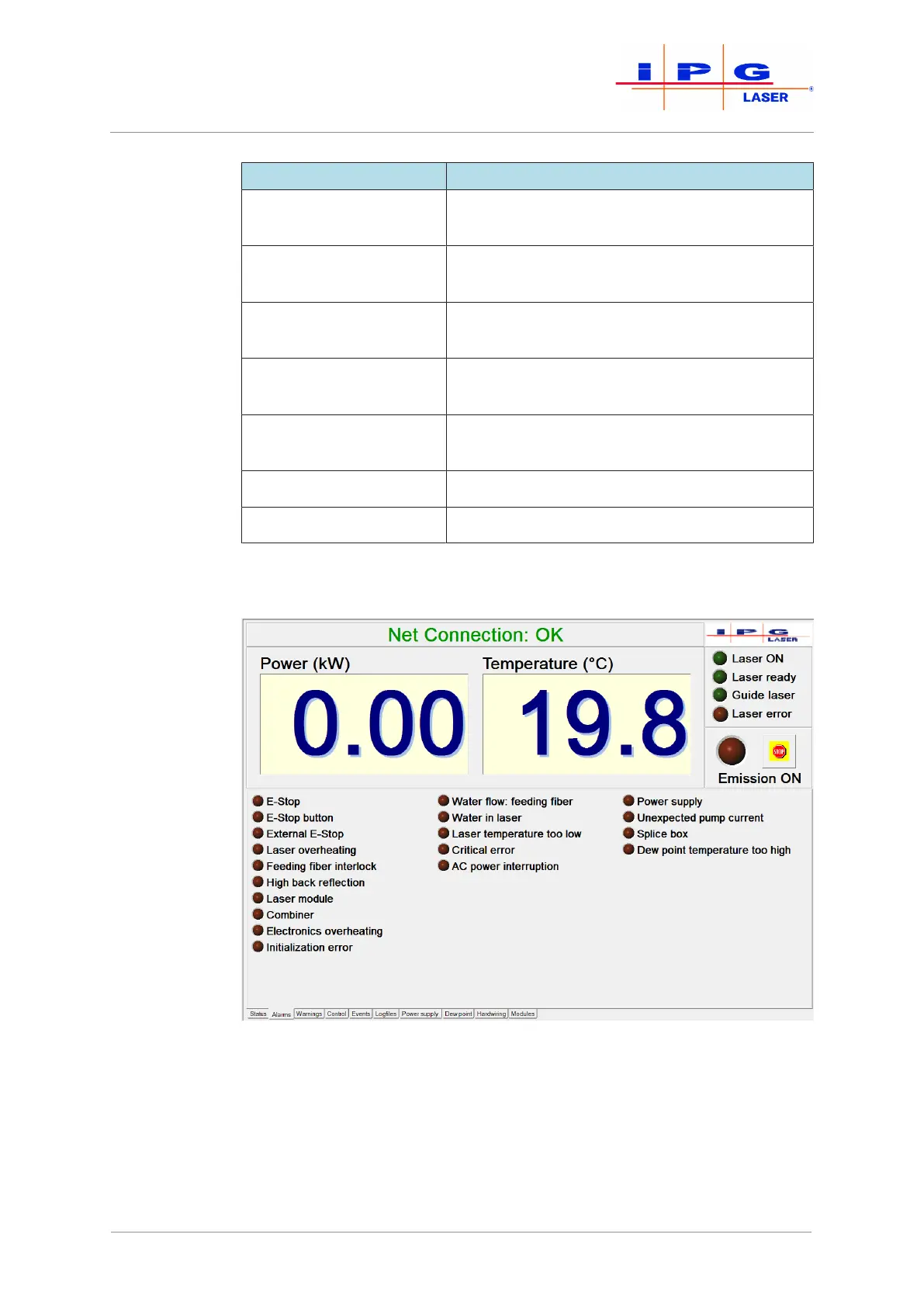
Figure55: Alarms tab
Alarms of the laser are displayed on this tab (see figure above). A de-
tailed description of the individual alarms as well as instructions for
eliminating the faults can be found in the appendix under Messages of
the Alarms tab.
| LaserNet software



 To Next Page