49
7. If necessary, tap the map somewhere else to modify the destination. The Cursor ( )
appears at the new location. Tap to confirm the destination, or
tap to select a different destination.
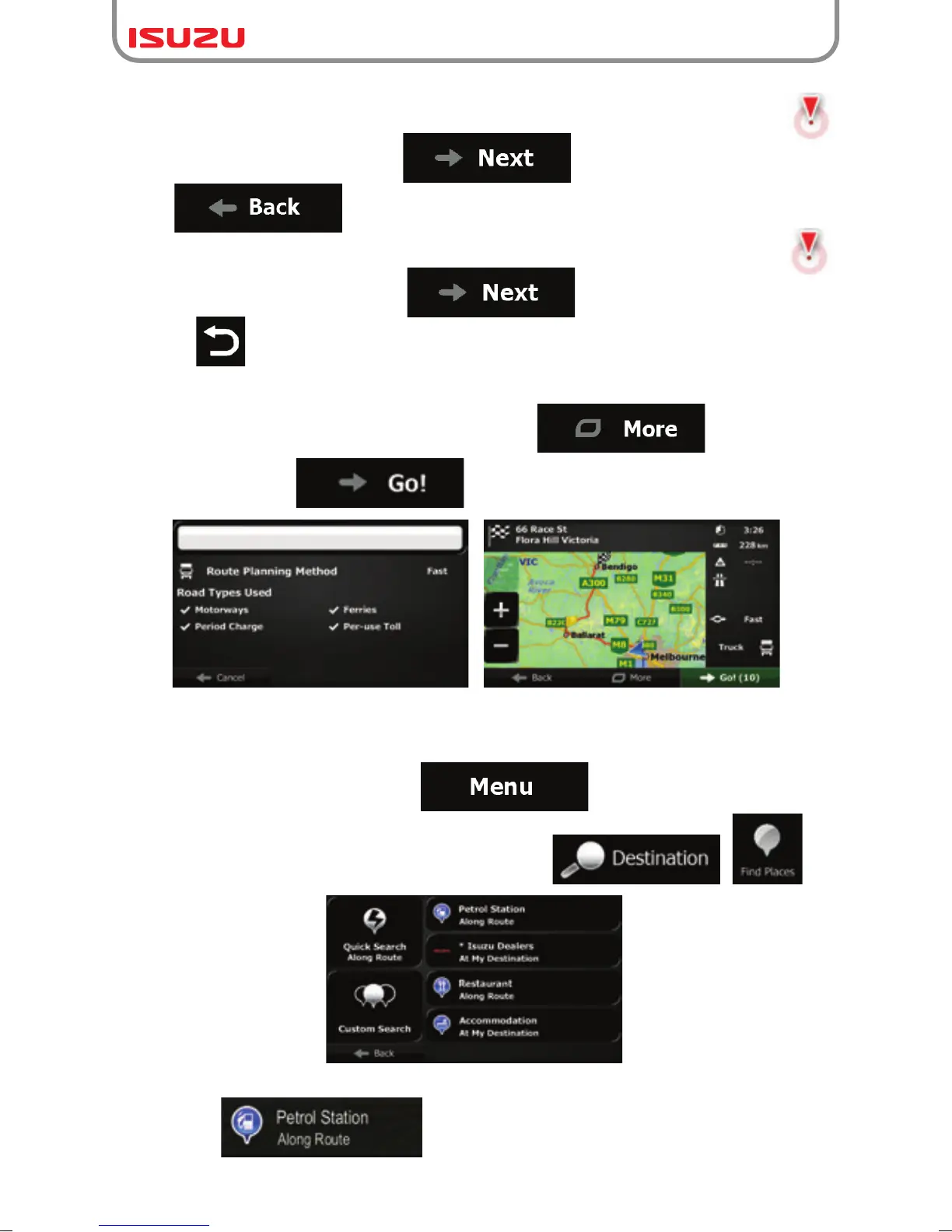
9. After a short summary of the route parameters, the map appears showing the entire
route. The route is automatically calculated. Tap to modify route
parameters, or tap and start your journey.
8. If necessary, tap the map somewhere else to modify the destination. The Cursor ( )
appears at the new location. Tap to confirm the destination, or
press to select a different destination.
3.1.3.2 Searching for a Place of Interest using preset categories
The Preset search feature lets you quickly find the most frequently selected types of Places.
1. If you are on the Map screen, tap to return to the Navigation menu.
2. In the Navigation menu, tap the following buttons: , .
3. The preset search categories appear:
● :
●If an active route exists, petrol stations are searched along the route.



 To Next Page