84
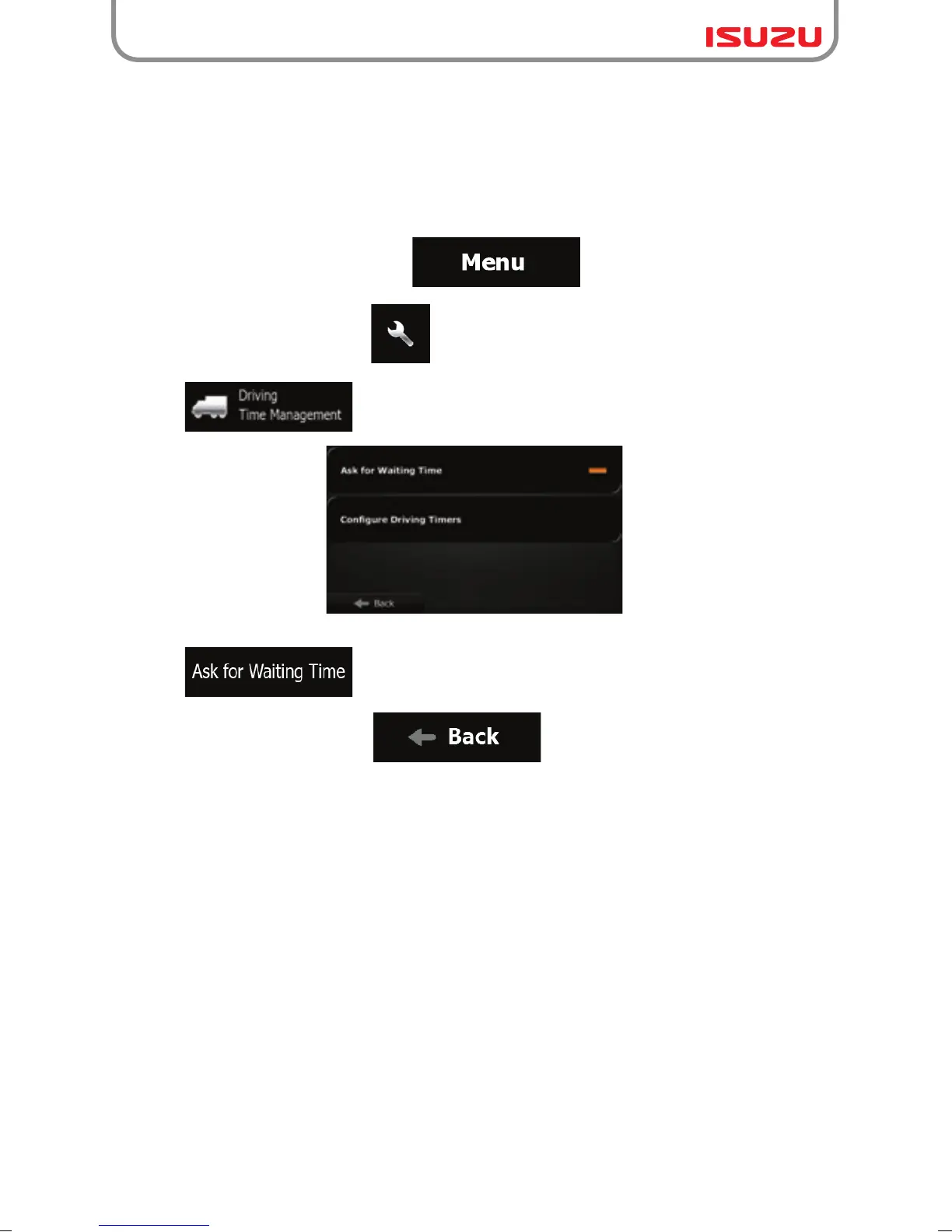
5.2 Setting up waiting time at waypoints
1. If you are on the Map screen, tap to return to the Navigation menu.
2. In the Navigation menu, tap .
3. Tap .
4. Tap to enable or disable this option.
5. When finished, tap and hold to return to the Map screen.
In order to receive a better arrival time estimation and to be able to use time restrictions for
future legs of the route, you can enable this feature and specify a waiting time for each stop on
your route. If you enable the feature as described below, the application will ask you to enter the
time you will spend at a stopover every time you enter a new destination.



 To Next Page