65
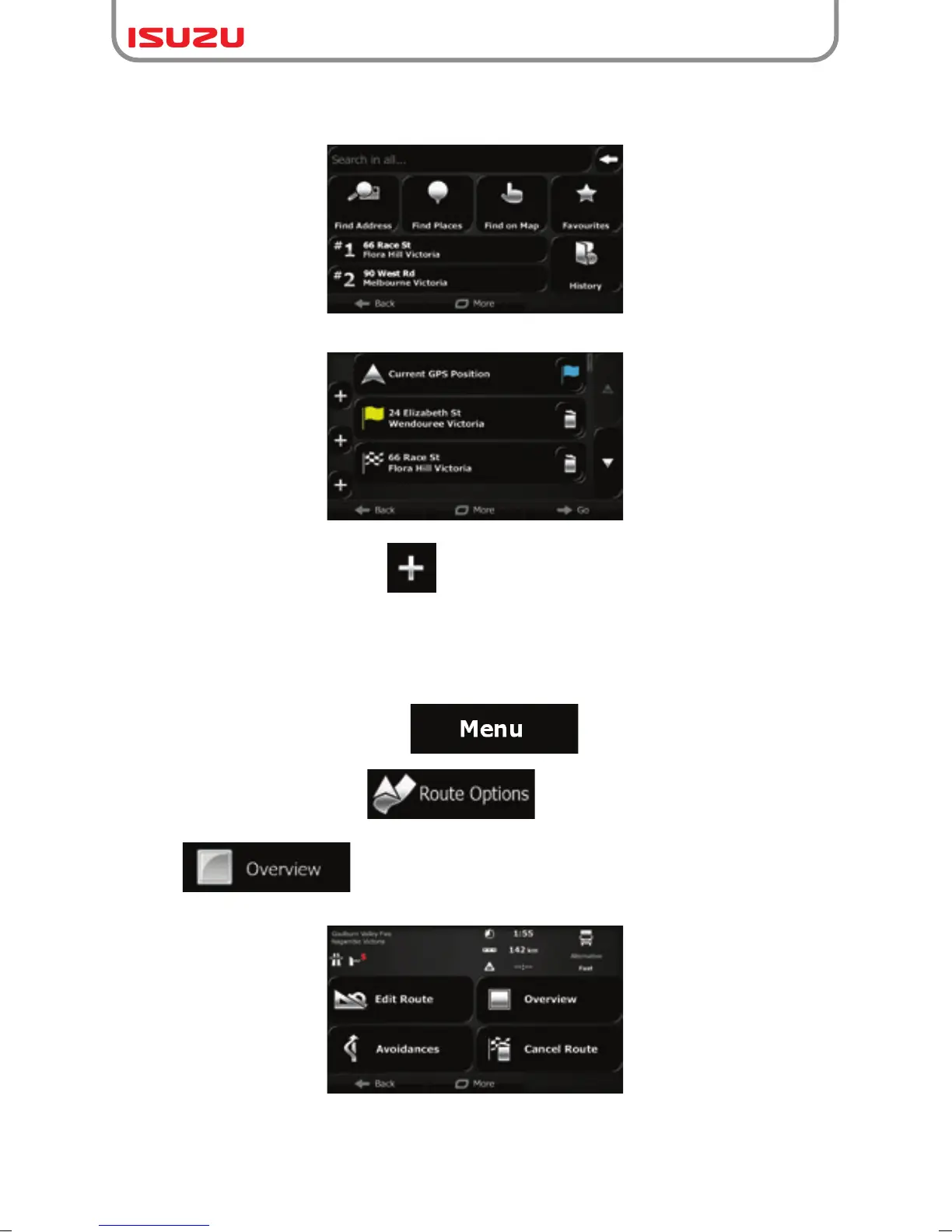
6. The Destination menu appears and you can select the destination of the route the same
way as described in the previous sections.
7. When the new destination is selected, the list returns.
8. To add more destinations, tap where you want to insert the new route point in the
list, and repeat the above procedure.
3.2 Viewing the entire route on the map
It is easy to get a map overview of the active route. Do as follows:
1. If you are on the Map screen, tap to return to the Navigation menu.
2. In the Navigation menu, tap .
3. Tap . The active route is displayed in its full length on the map together
with additional information and controls.



 To Next Page