82
5.1 Setting up vehicle parameters
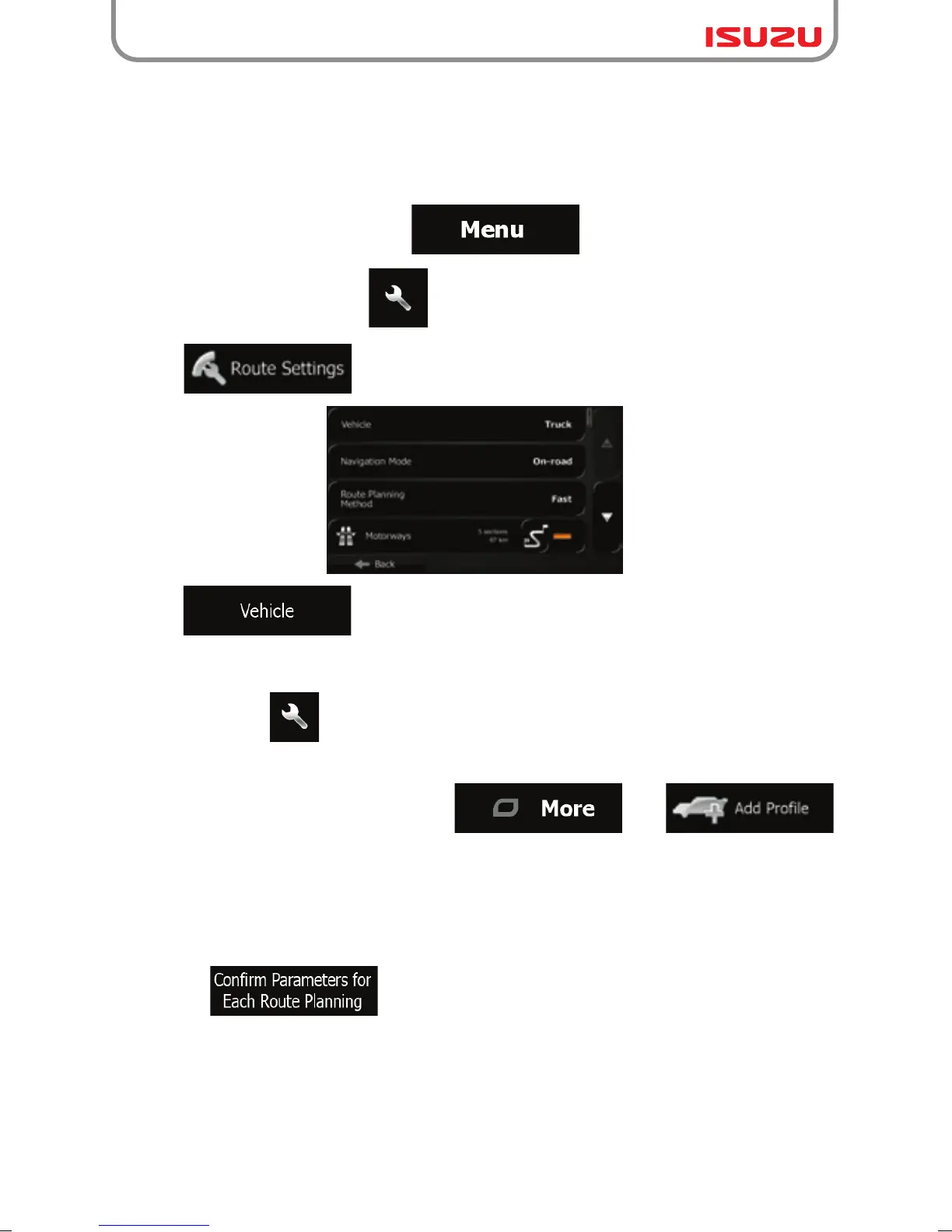
1. If you are on the Map screen, tap to return to the Navigation menu.
2. In the Navigation menu, tap ,
3. Tap .
4. Tap .
5. There is one Default Truck profile at the end of the list. You can either:
6. The list of vehicle profile parameters appear. Scroll the list and tap any of the lines to
change the parameters. The parameters are intuitive. In addition, you have the following
options:
● tap the button at the Default Truck profile or
● create a new profile by tapping then
and selecting Truck as the vehicle type.
● : When enabled, the list of vehicle parameters always
appears before route calculation. This helps you quickly adjust the parameters
when some of them (the actual weight for instance) often change.
When you use Isuzu navigation with a truck, you need to select a truck type vehicle profile in
Route settings and enter the parameters of your vehicle. These parameters are used in route
calculation to bypass roads that are restricted for your truck. Do as follows:



 To Next Page