83
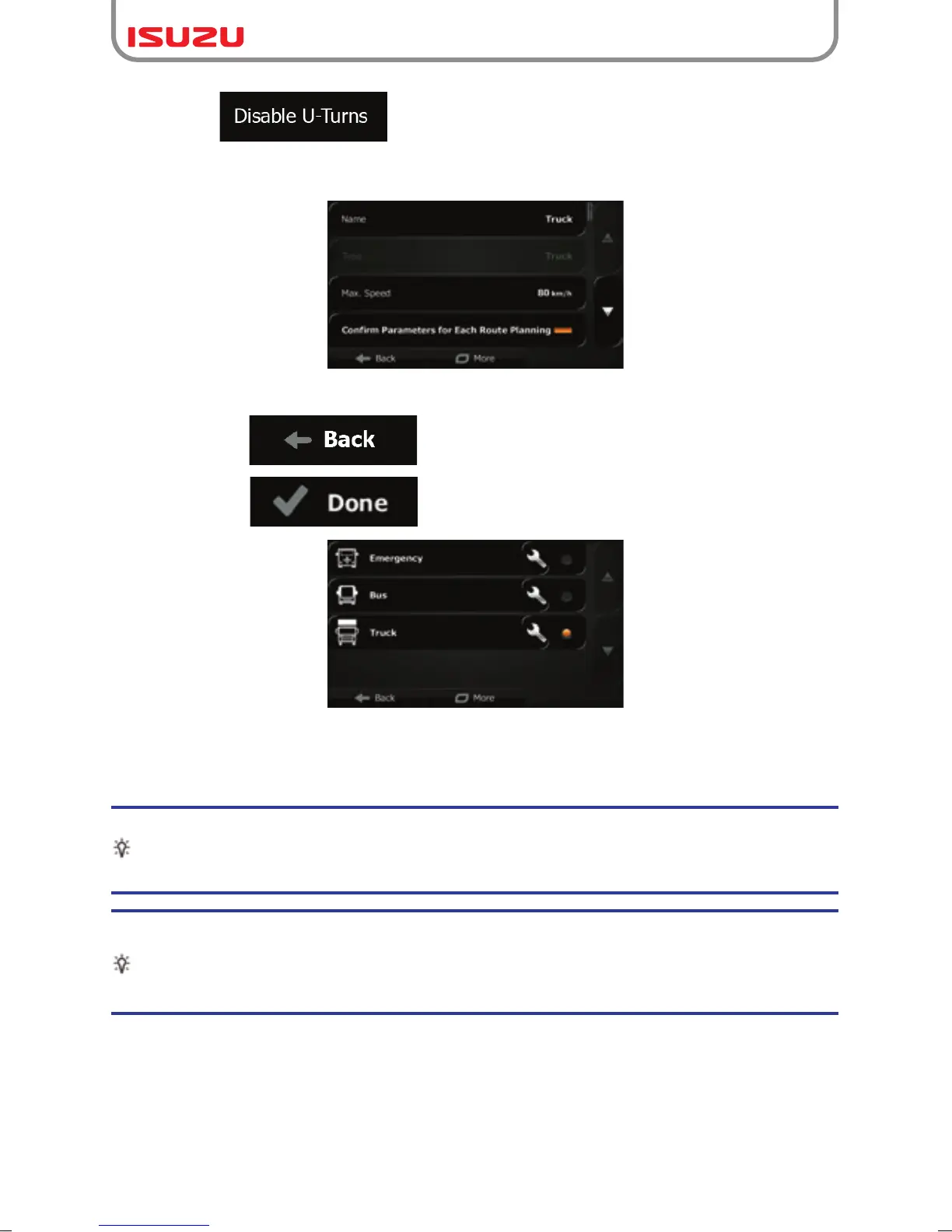
7. When finished with the vehicle parameters:
Tip!
Speed limits for trucks may not be available for all roads. It is advised to enter the
maximum allowed speed in your area for your vehicle instead of the maximum speed
your truck is capable of.
Tip!
When you often use your vehicle with typical configurations of parameters (for
example with or without a trailer that also affects the length, the height, the number
of axles and the weight), it is better to create different vehicle profiles for the typical
setups and change between the profiles instead of always modifying parameters.
● : When selecting truck as the vehicle type, U-turns are
disabled from routes as much as possible. With this button you can even forbid
turning back on divided roads.
● tap if you have modified an existing vehicle profile or
● tap if you have created a new profile.
While this profile is selected, the parameters of your vehicle are taken into account when
planning routes. Note that this leads to a safe route for your truck only if map data contains
the weight, height, etc. restrictions of the road network in your area.



 To Next Page