85
5.3 Setting up driving time alerts
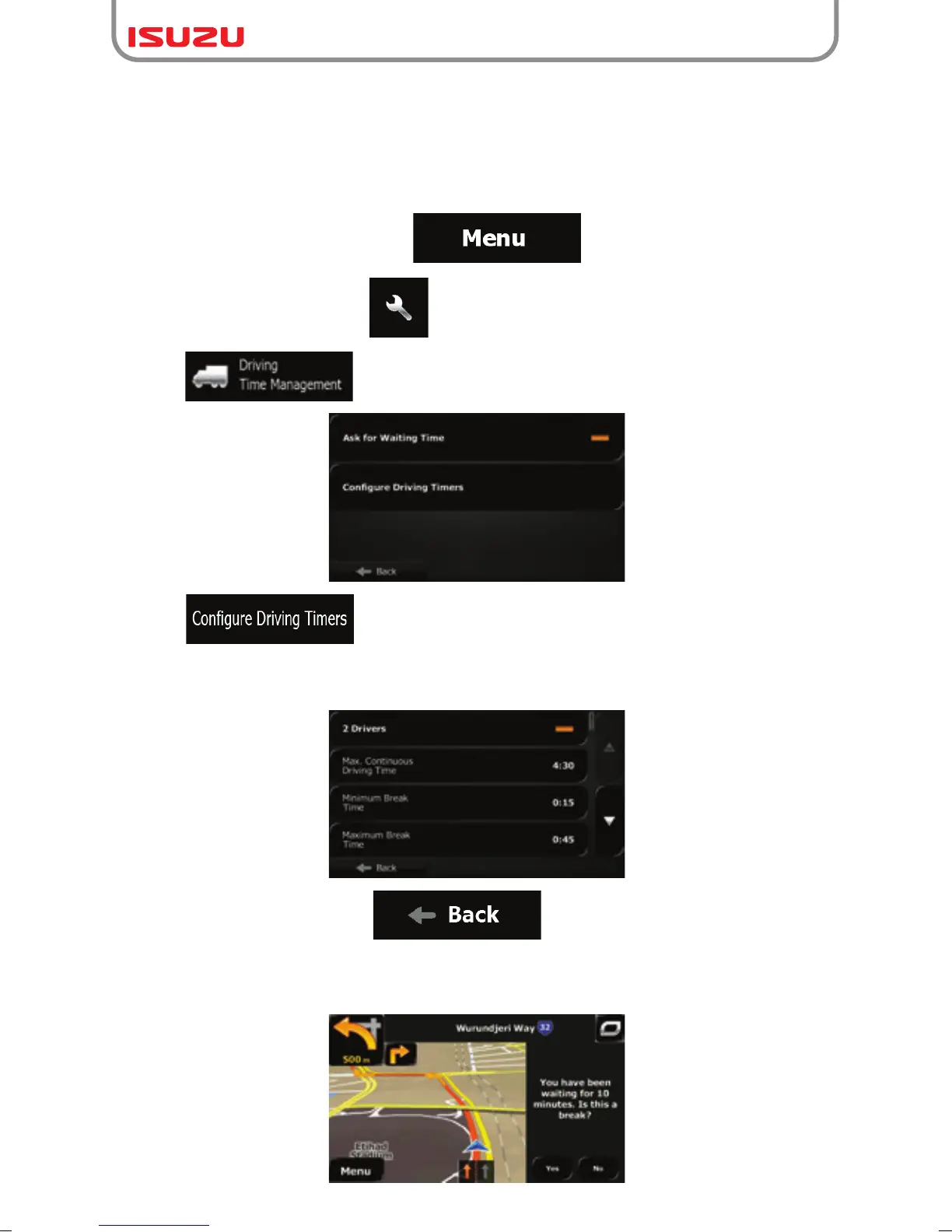
In order to obey the regulations regarding continuous and daily driving, you can set countdown
timers to alert you when you need a break or a sleep. This feature can be set for one driver or
two alternate drivers.
1. If you are on the Map screen, tap to return to the Navigation menu.
2. In the Navigation menu, tap .
3. Tap .
4. Tap and set the driving timer defaults for the driver.
5. (optional) Tap the switch to use the vehicle with two drivers. The timer defaults are the same
but the timers will count down for each driver individually.
6. When finished, tap and hold to return to the Map screen.
Whenever the vehicle stops, the current driver receives a message a few minutes later whether
this stop means a break.



 To Next Page