64
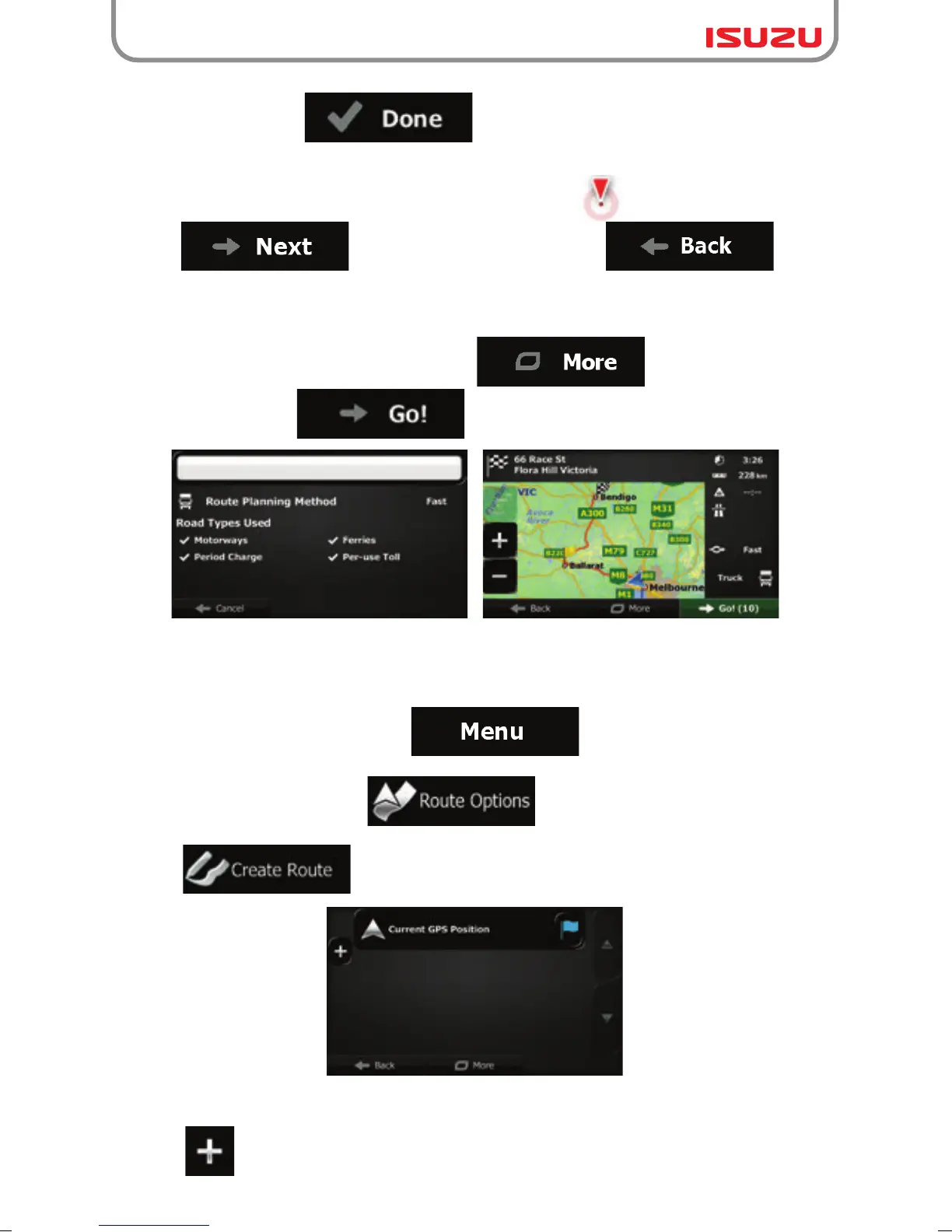
6. When finished, tap .
7. A full screen map appears with the selected point in the middle. If necessary, tap the map
8. After a short summary of the route parameters, the map appears showing the entire route.
The route is automatically calculated. Tap to modify route
parameters, or tap and start your journey.
3.1.9 Building a route from the list of destinations (Create Route)
You can also build your route destination by destination from the My Route menu.
1. If you are on the Map screen, tap to return to the Navigation menu.
2. In the Navigation menu, tap .
3. Tap .
4. There is only one line in the list of route points, the start point of the route, normally the
current GPS position.
5. Tap to select the destination.
somewhere else to modify the destination. The Cursor ( ) appears at the new location.
Tap to confirm the destination, or tap to select
a different destination.



 To Next Page