70
4. You have the following options:
3.4.4 Pausing the active route
You do not need to pause the active route: when you start driving again, Isuzu navigation
restarts the voice instructions from your position.
3.4.5 Cancelling the active route
To cancel the navigated route, do one of the following:
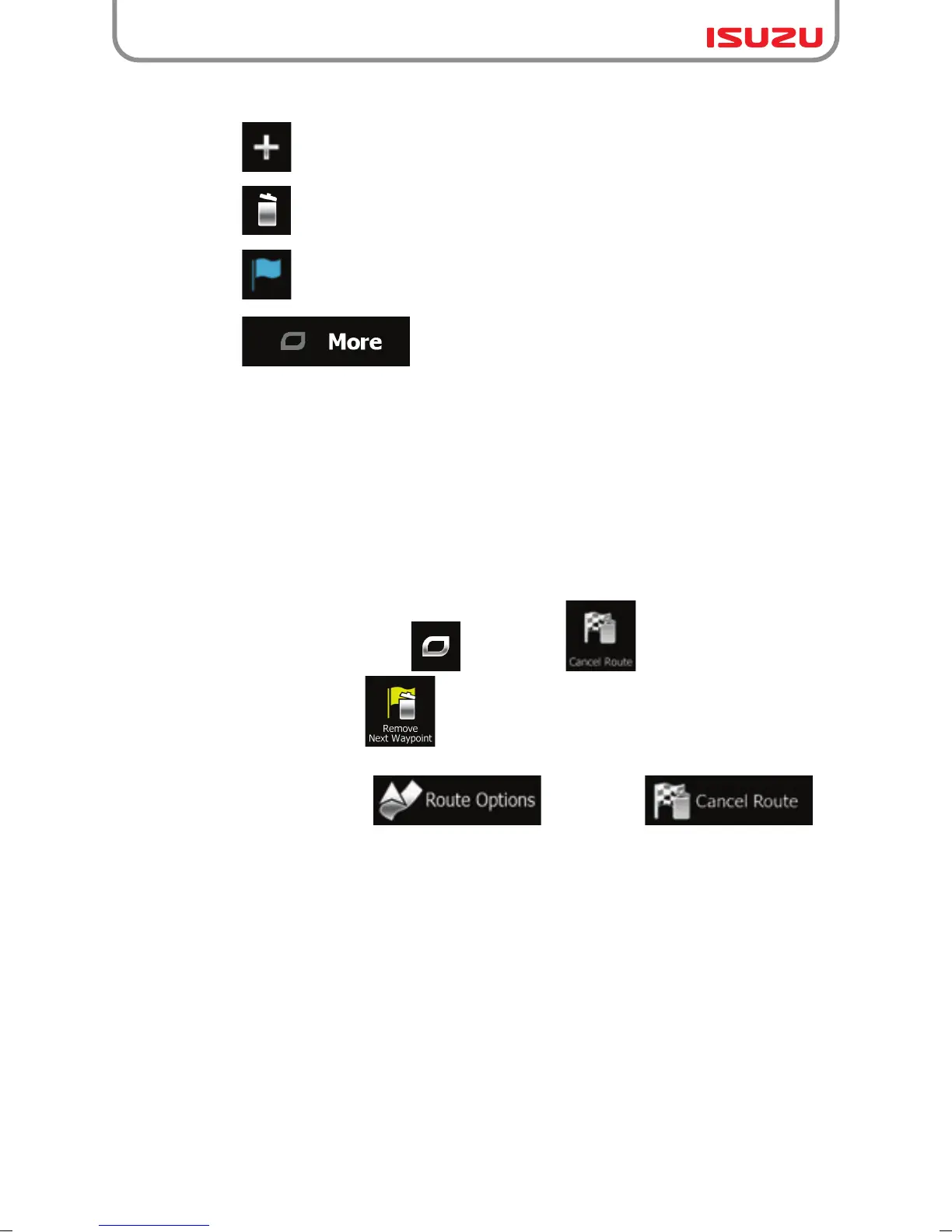
●Tap to add a new destination.
●Tap to delete a destination.
●Tap to modify the start point of the route.
●Tap to reorder the list. You can do it manually or you can let
the application optimise the route for you.
● If you are on the Map screen, tap and then tap . (If you have a route with
waypoints, you need to tap until all waypoints are deleted.)
● In the Navigation menu, tap and then tap .
The active route is deleted with all its waypoints.



 To Next Page