39
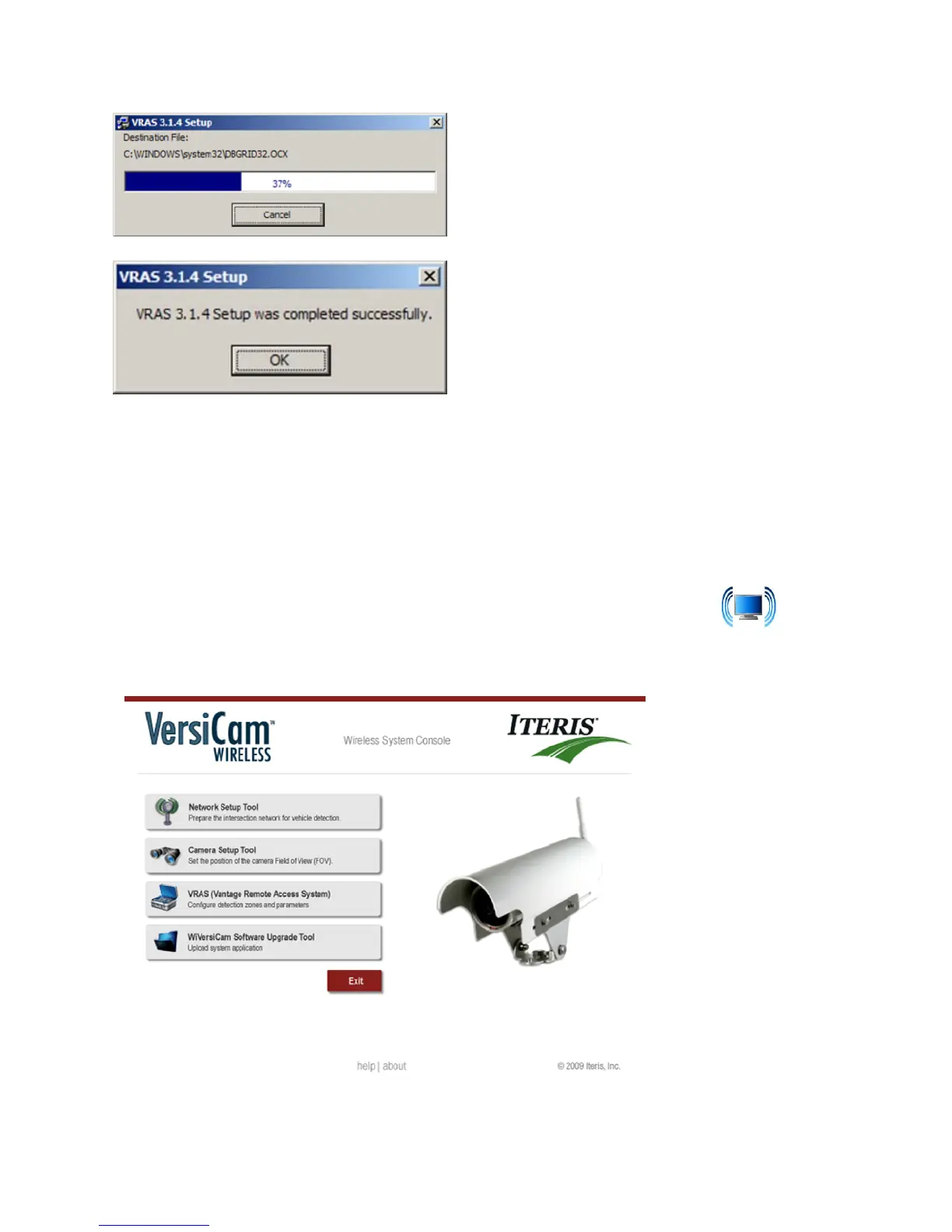
Figure4.1(s)
Figure4.1(t)
5. Theinstallationofthesoftwareisnowcomplete.
Note:ThereisafourthapplicationontheConsole“SoftwareUpgradeTool”.Thiswillbeusedforfuture
softwareupgrades.
4.2 VersiCam Wireless Console
ConnectaRS‐232cablefromtheserialportofthePCandtheRS‐232portonthefrontoftheICC‐2W.A
nullmodemcableissuppliedwiththesystem.ClickontheWiVersiCAMConsoleicon
installed
onyourdesktop.TheConsoleprogramwillstart,seeFigure4.2(a).
Figure4.2(a)



 To Next Page