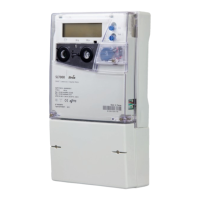
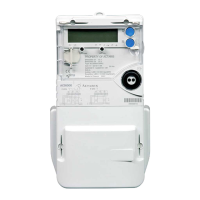
The meter can perform bi-directional communication with the attached modem to initialise and control its
functions. The modem would normally operate in auto-answer mode.
The meter has several modem-management modes:
Device dedicated line on utility port
A modem connected to the port is fully managed and controlled by the meter. In order to improve modem
communication the meter will periodically switch off the modem power supply signal (VMDM) to reinitialise
the modem.
Direct line no modem control
Even if a modem is connected to the port, it is not managed by the meter. Always select this mode when
connecting meters together on a communication bus using RS485 daisy-chaining techniques.
Power supply on
The modem power supply signal (VMDM) is permanently enabled. Any modem connected to the port will not
be managed but will be powered by the meter.
Power supply off
The modem power supply signal (VMDM) is inhibited. Any modem connected to the port will not be
managed and will require an external power source.
The protocols managed by the meter, that can be used on the communication ports are:
7.5. Communication management
In accordance with IEC 62056-53, security access levels of the DLMS/COSEM protocol are applied to meter
communication and interfacing.
Confidentiality and privacy of data are managed by COSEM logical devices in the meter (which can be
addressed individually) and different COSEM client identifications (connection profiles).
Each connection profile is protected by a dedicated password and all connection attempts by COSEM clients are
checked by the meter before establishing a connection.
The meter has two logical devices:
Electricity
Management
Several client identifications are predetermined, with different authorisations to access data:
Electricity Utility - Laboratory
Electricity Utility - Field
Electricity Utility - Reader
End customer



 To Next Page