Pancode VoIP/Pantel VoIP Access Control Door Phones
Installation and Programming Manual
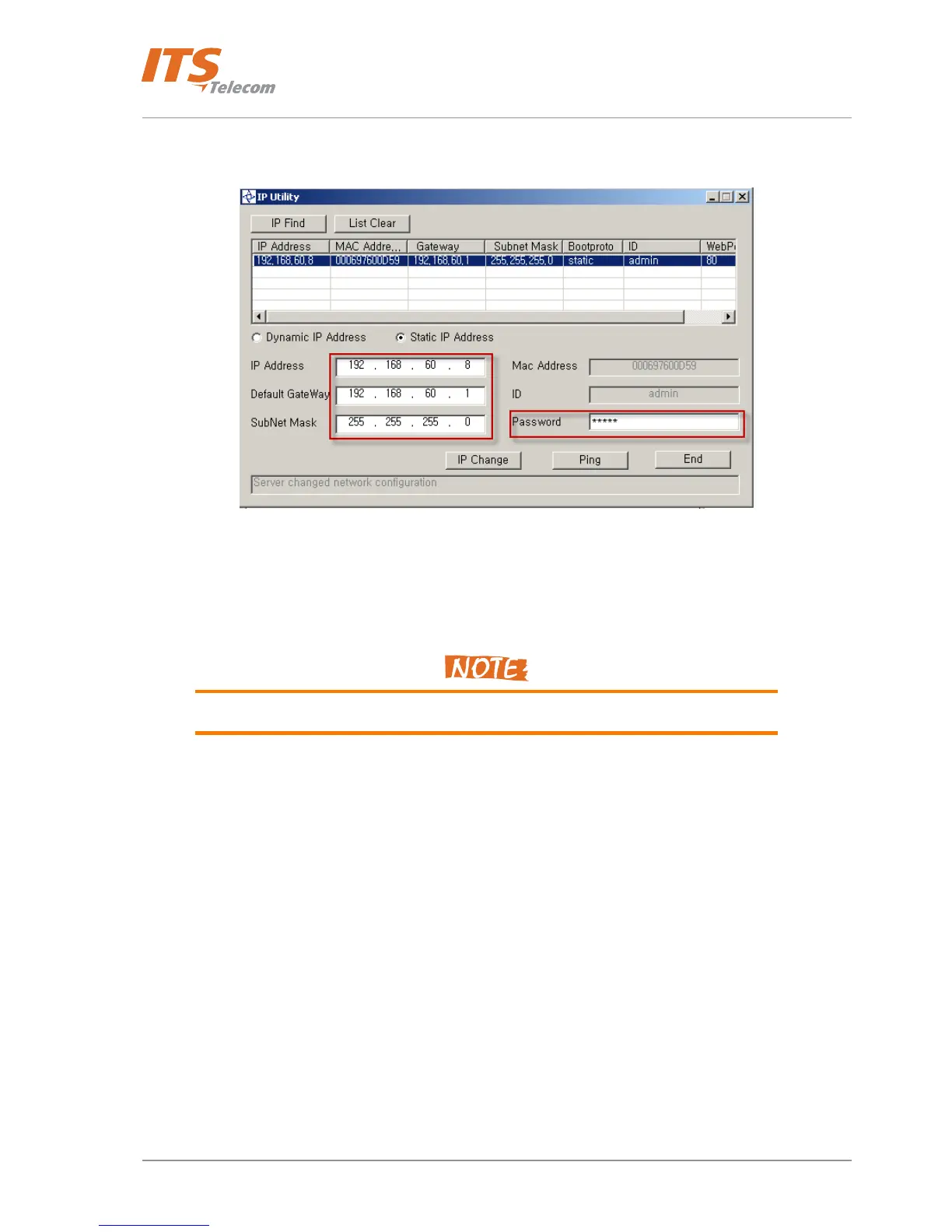
• Press ‘IP Change’ button and wait till the Network parameters will be accepted. Appropriate message
will be shown on the screen
Figure 4-14 Updating network parameters
• Press ‘Ping’ button in order to check the LAN connectivity with the Network Server. DOS prompt
windows appears and show replies from the Pantel / Pancode IP network server
Note that the Pancode / Pantel IP unit and internal Video Network Server have separate
different unique IP addresses.
21



 To Next Page