41
5.4.2 Starting and stopping press programs / the operating indicator
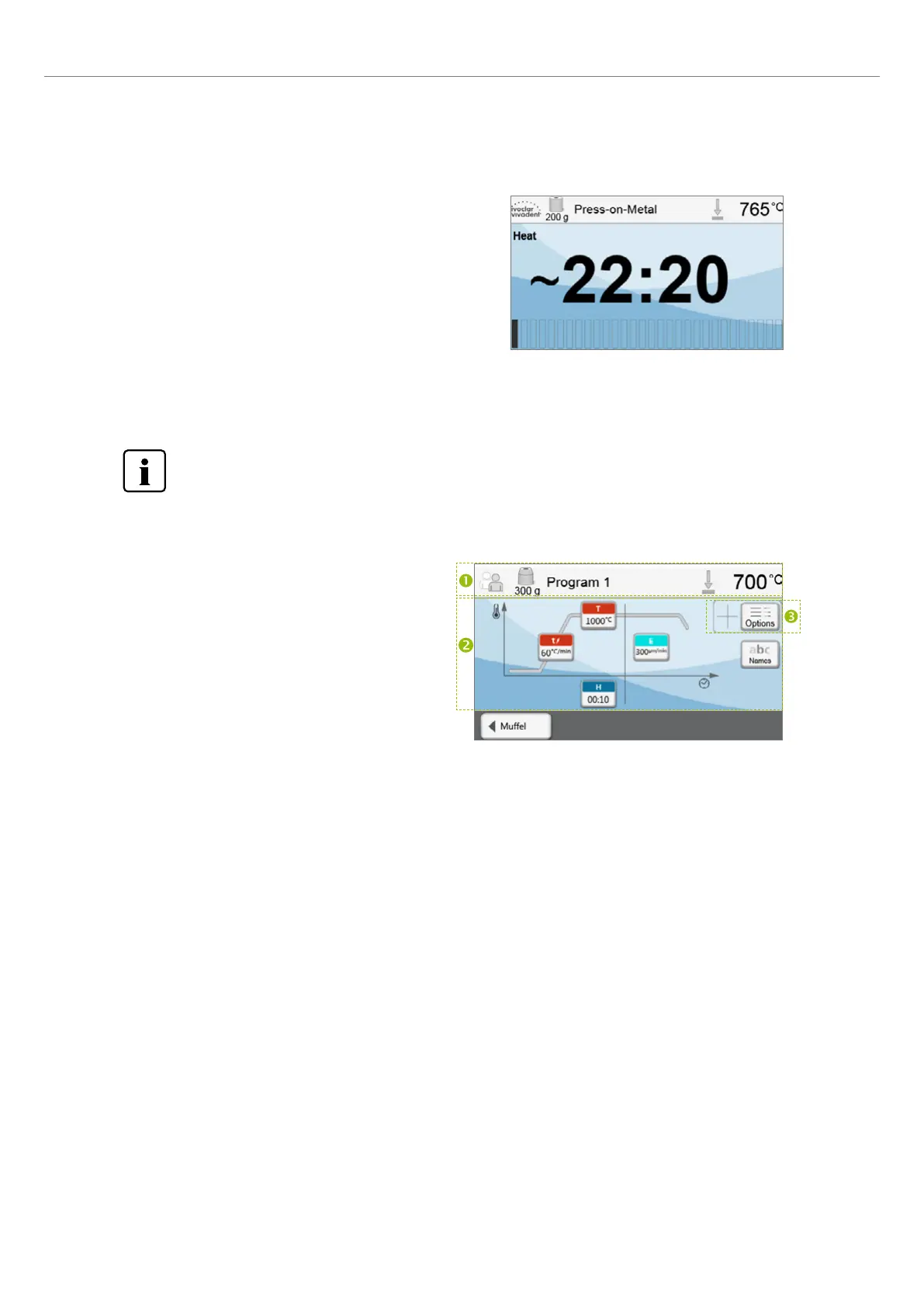
Once the press program has been started by pressing the START key,
the progress bar is shown.
The following information is displayed:
Information bar:
The program name and the current furnace temperature are shown
in the information bar in the upper margin of the display.
Main area:
The approximate remaining time and a program status bar are shown
in the main area.
5.4.3 Editing individual press programs
For the all-ceramic systems from Ivoclar Vivadent (e.g. IPS e.max
®
, IPS Empress
®
Esthetic), only the original Ivoclar
Vivadent press programs must be used as they are especially coordinated with the respective materials.
After the individual press program was selected, the following information is displayed on the program screen:
1. Information bar:
– Program name, investment ring size
– Current furnace temperature
2. Firing curve
– Holding time
– Temperature increase rate, holding temperature
– Stop speed
3. Program options
In addition to the parameters shown in the firing curve,
several other options are available that can be activated by
pressing the [Options] button. The icons in the grid show
the activated options.
5. Operation and Configuration















 To Next Page