JAKA Zu
®
7 - V1.1 57
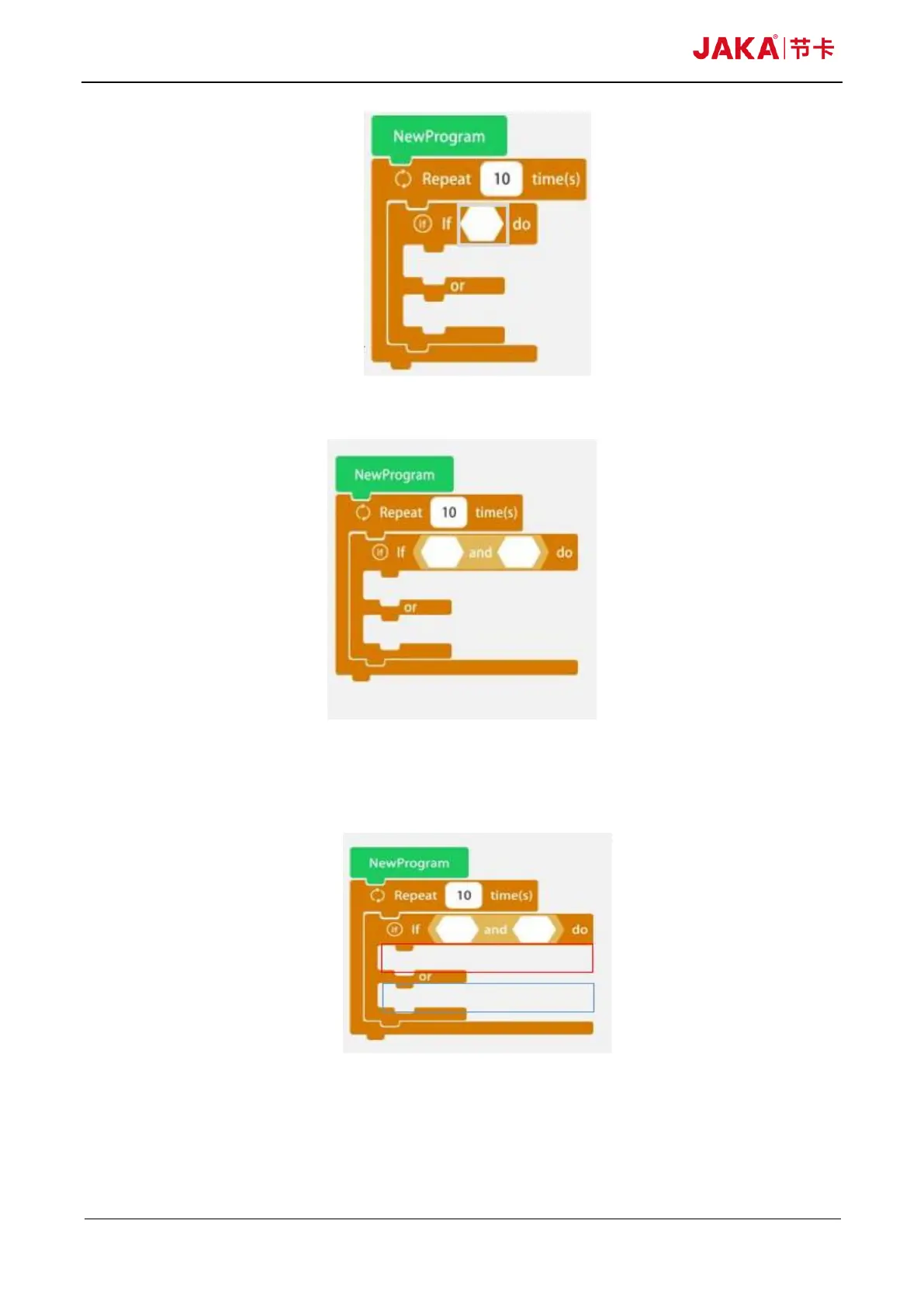
The final result is shown below:
Fig 10-39
(5)Similarly, drag two expression commands in the “Calculate” select tab to the empty area of &&
command in the figure above. And the result is as follows.
Fig 10-40
(6)Open the “Move” tab and relatively drag the “Linear movement” command and “Joint movement”
command to the red area and blue area in the fifth step. The result is as follows:



 To Next Page