284 MULTIMEDIA
Send & Go Send & Go Input
How It Works
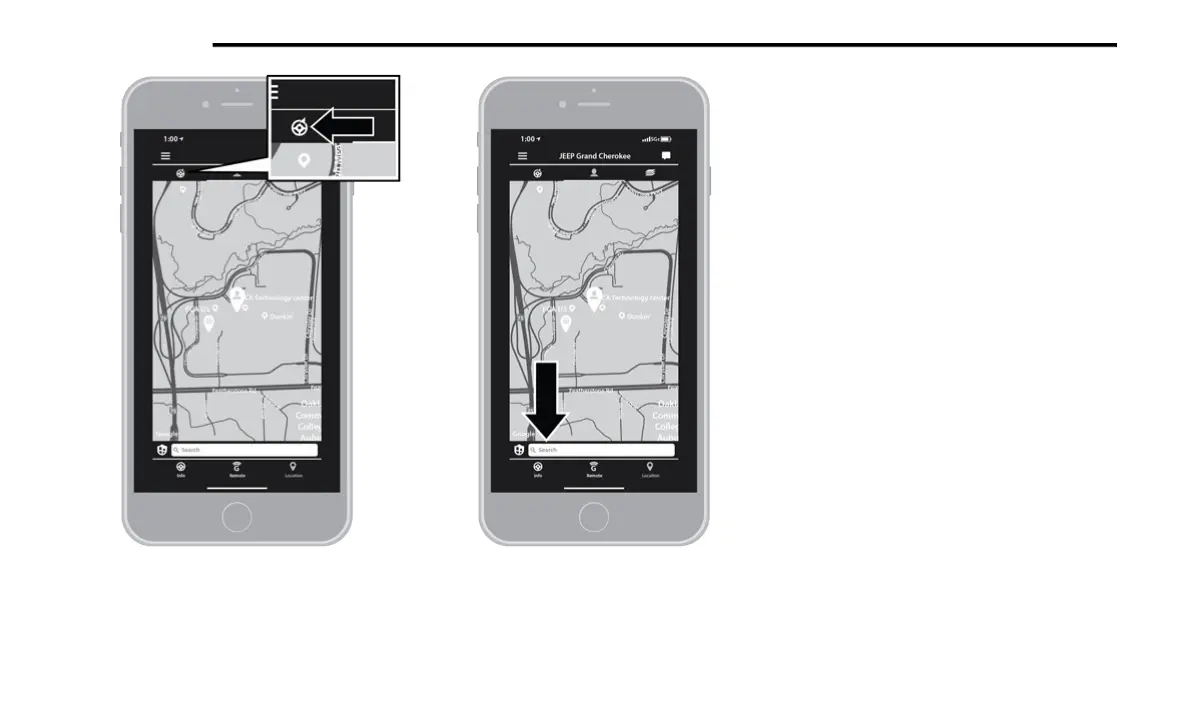
1. U
se the Uconnect App to find the
d
estination.
There are multiple ways to find
a destination. After selecting the “Location”
tab at the bottom of the App, press the
search box to browse through one of the
categories provided, or type the name or
keyword in the search box at the top of the
App. You can also select categories such as
Favorites or Contact List.
2. Select your destination from the list that
a
ppears. Location information will then be
displayed on the map.
From this screen, you will be able to:
View the location on a map.
See the distance from your current loca-
tion.
Send the address by selecting “Send to
Vehicle” from the mobile app.















 To Next Page