2.4 Navigation menu
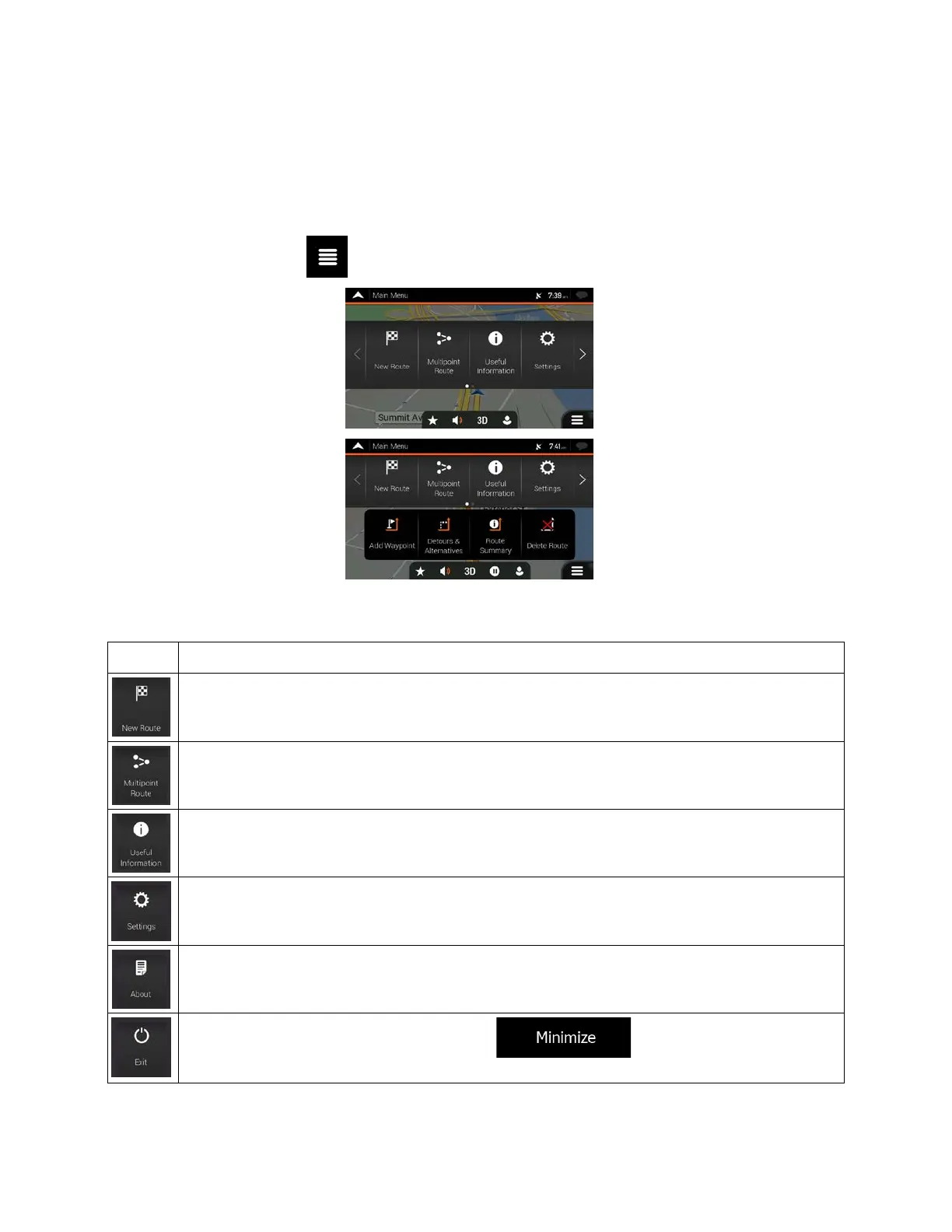
On the Navigation view, tap to open the Navigation menu.
Y
ou can see the following menu options when you are navigating without a planned route:
Select your destination by entering an address or its coordinate, or by selecting a Place, a
Saved Location, or a Saved Route. You can also look up your recent destinations from the
History.
Build your route from one or more route points. You can also plan a route independently of your
current GPS position by setting a new starting point.
Access additional options and check navigation-related information.
Customize the way the navigation software works.
See information about the navigation software.
Tap to put navigation to the background. Tap in the confirmation message
With a planned route, the following menu options are also available:
20



 To Next Page