4.3.1.2 Route Planning Method types
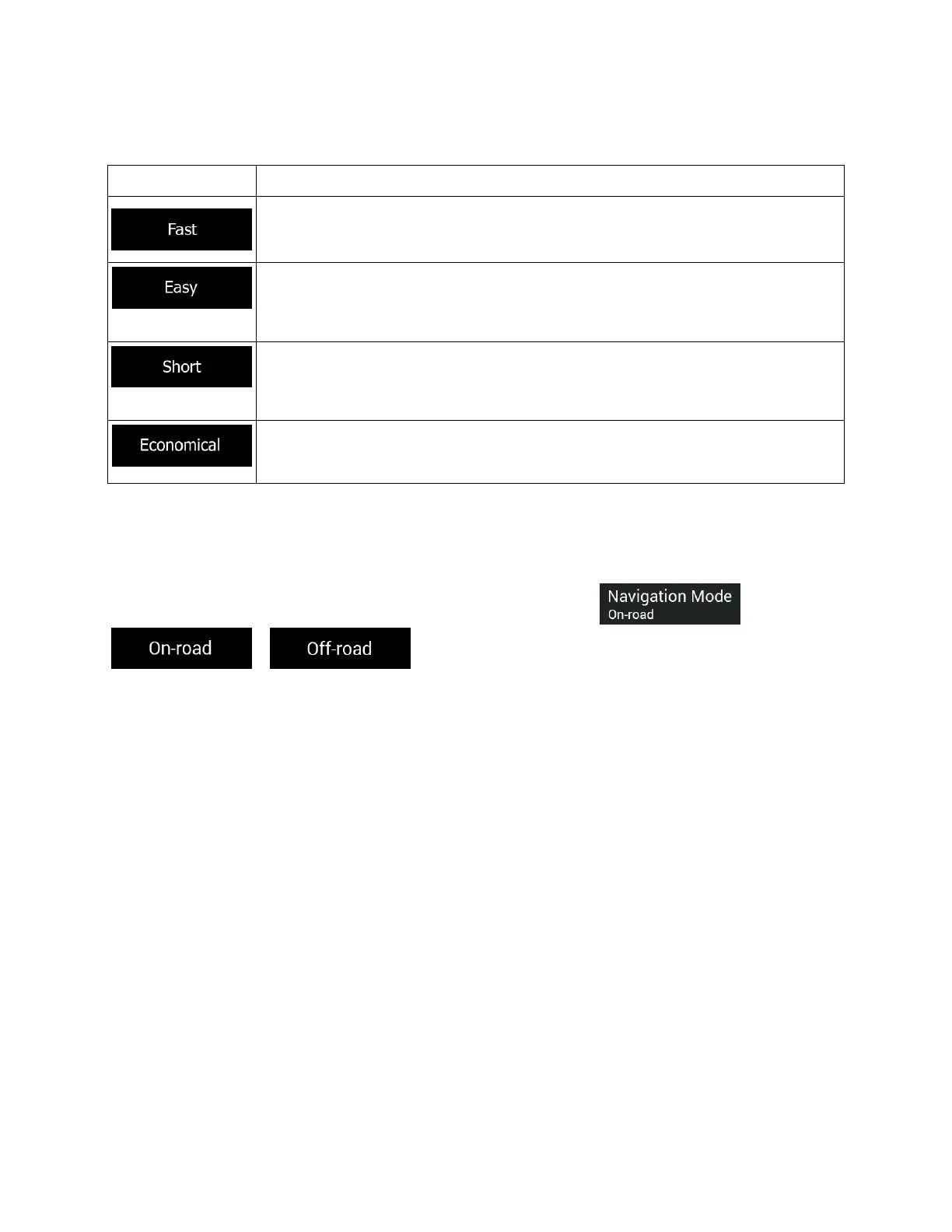
You can select from the following route planning method types:
Gives a quick route if you can travel at or near the speed limit on all roads. Usually,
the best selection for fast and normal cars.
Results in a route with fewer turns and no difficult maneuvers. With this option, you
can make the navigation system take, for example, the freeway instead of a series
of smaller roads or streets.
Gives a short route to minimize the travel distance. Usually optimal for pedestrians,
cyclists or slow vehicles. Searching for a short route regardless
route type is rarely optimal for normal vehicles.
For vehicle types where Green routing is not available, this method combines
the benefits of Fast and Short. The navigation system calculates as if it were
calculating the Fast route, but it takes other roads as well to save fuel.
Depending on the vehicle type, some methods may not be available.
4.3.1.3 Navigation Mode
You can switch between on-road and off-road navigation by tapping and selecting
or (page 63).
4.3.1.4 Road types
To let the route fit your needs, you can also set which road types are to be considered for or to be
excluded from the route.
Excluding a road type is a preference. It does not necessarily mean total prohibition. If your destination
can only be accessed using some of the excluded road types, they are used only as much as necessary.
In this case, a warning icon is shown on the Route information screen, and the part of the route not
matching your preference is displayed in a different color on the map.
77



 To Next Page