3.6 Running a Simulation
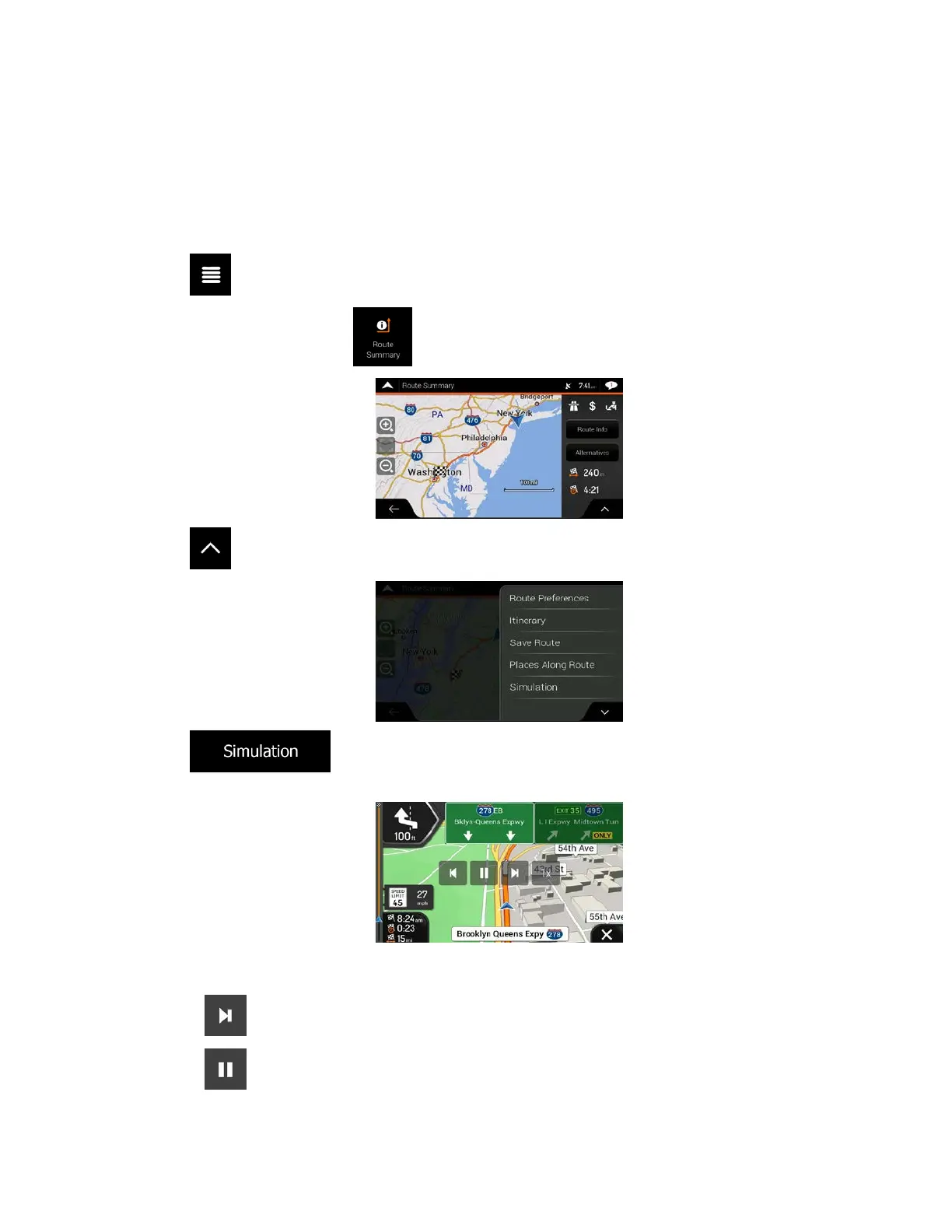
To run a simulated navigation that demonstrates the planned route, perform the following steps:
1. T
ap
on the Navigation view to access the Navigation menu.
2. In the Navigation menu, tap
.
3. Tap .
4. Tap
. The simulation starts from the starting point of the route and leads you
through the whole planned route using a realistic speed.
(opt
ional) You have the following controls during the simulation (the control buttons disappear after
a few seconds but you can open them again if you tap the map):
•
: Jump to the next route event (maneuver).
•
: Pause the simulation.
62



 To Next Page