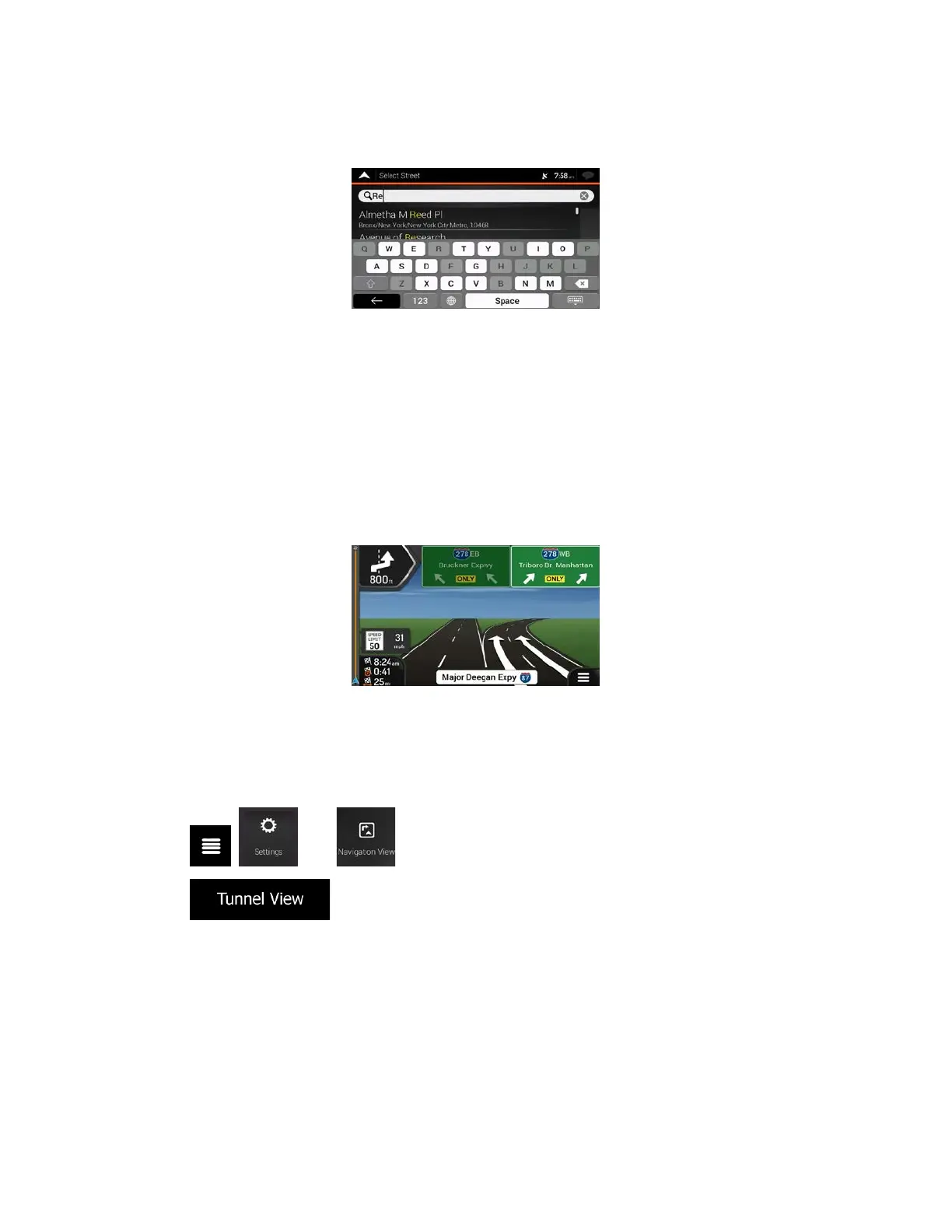
5.5 Keyboard buttons are grayed out
Issue: Some keyboard buttons are grayed out and cannot be used.
Cause: The navigation system has a smart keyboard for address search, which means that only
those buttons are active that can be used to type a name that is available on the map.
So
lution: Check if you entered the name correctly. If the name is correct, then the address you are
looking for is not available in the digital map data.
5.6 The map is hidden behind an image of a junction
Issue: The map is not visible because it is hidden behind an image of a junction.
Cause:
If you are approaching a freeway exit or a complex intersection and the needed information
exists, the map is replaced with a 3D view of the junction. The lanes you need to take are displayed with
arrows.
Solution: If you want to hide the currently displayed junction and return to the Navigation view, tap the
picture. To turn off this feature, perform the following steps:
1. Tap
, , and .
2. Tap
. Now the tunnel view will not appear again.
88



 To Next Page