3.7.3 Navigating in off-road mode
The real difference between on-road and off-road modes is the navigation itself. When you are on the
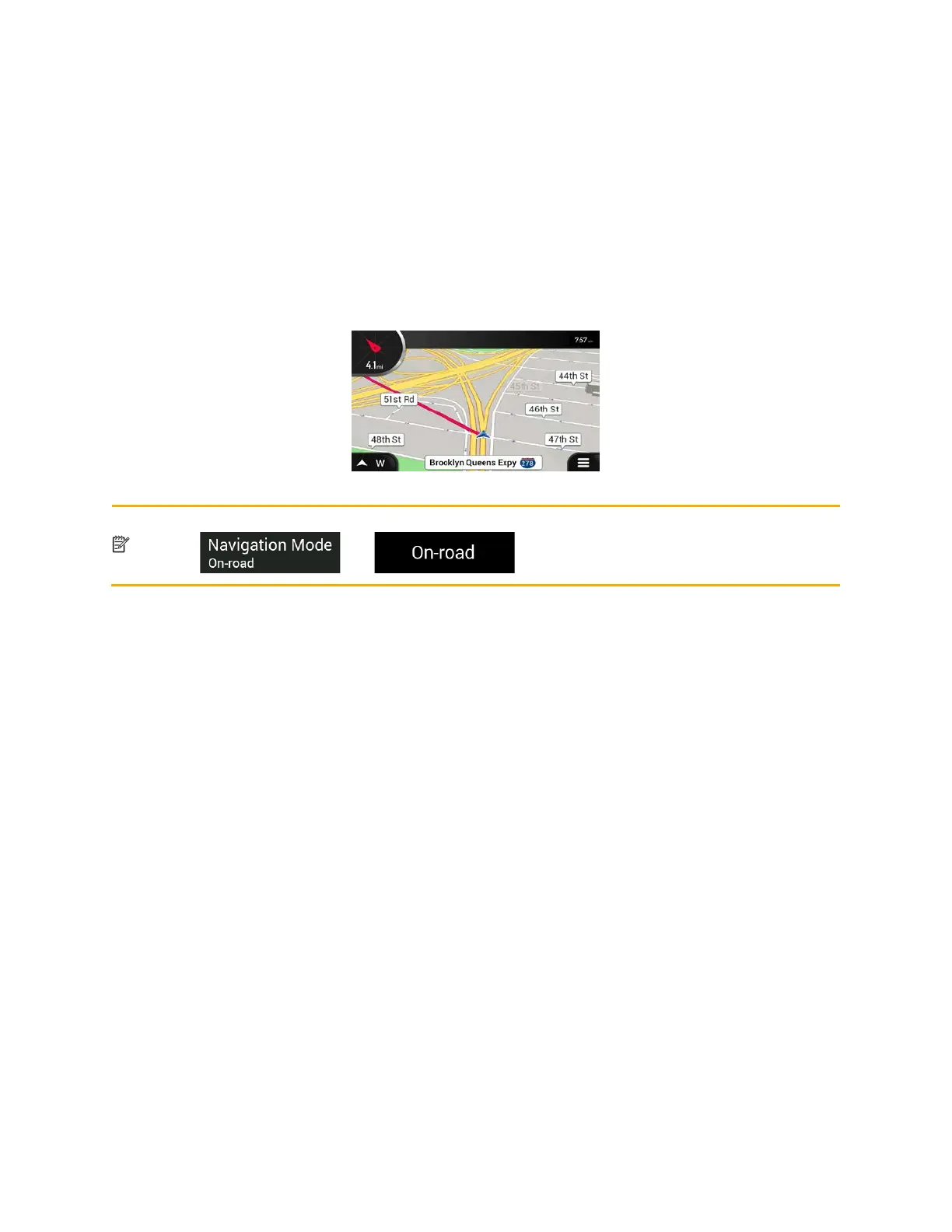
Navigation view with an off-road route:
• Your position and heading is not aligned to the nearest road.
• There is no turn-by-turn navigation, just a recommended direction.
You can see an orange line drawn between your current position and the next destination to reach. The
Turn Preview field in the top left corner shows a compass with your bearing and the distance of the next
destination.
W
hen you reach the final destination, the navigation ends.
Note!
t want to use off-road navigation, switch back to on-road navigation by tapping
and .
64



 To Next Page