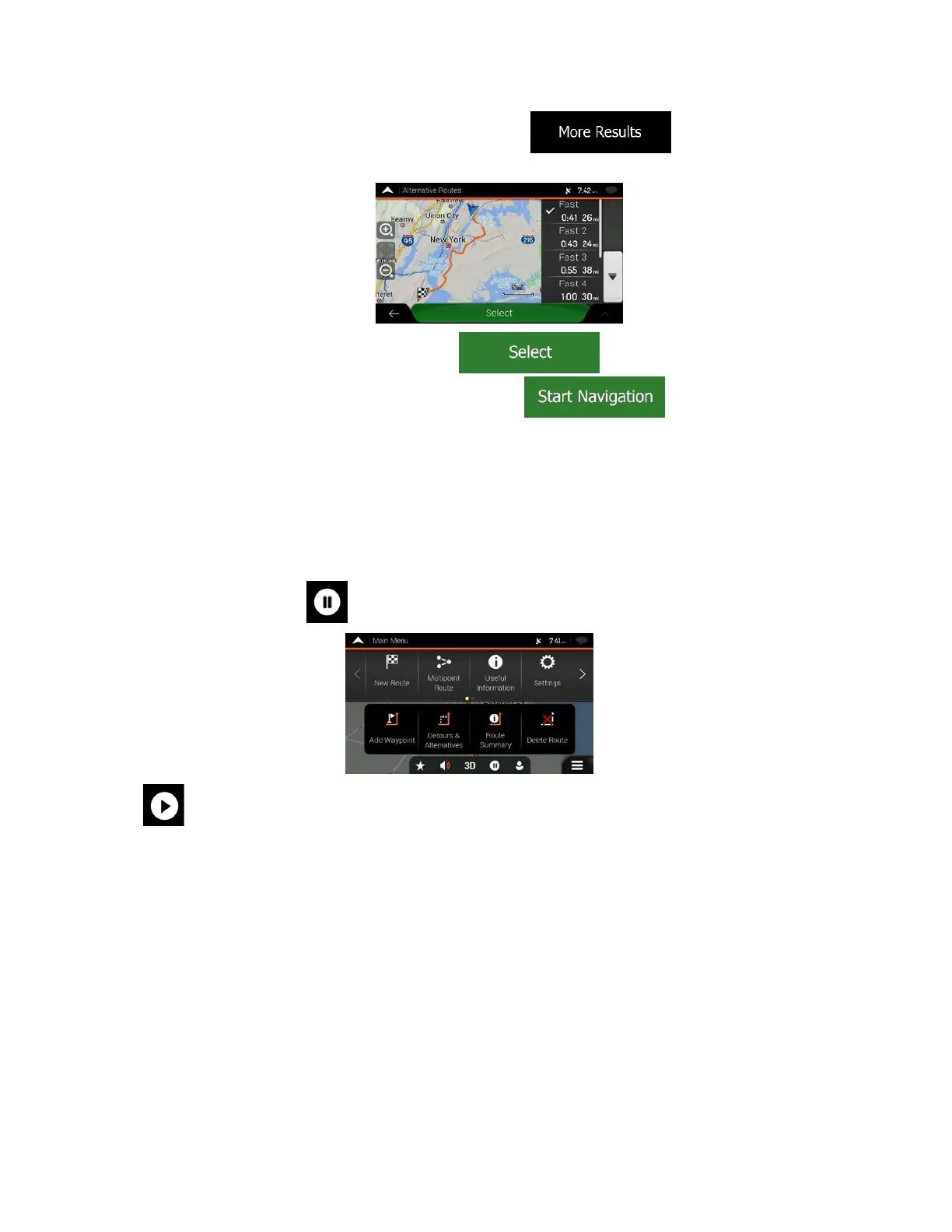
4. If there are more than a few suggestions, you can tap and scroll down for
routes.
5. Selec
t one of the route alternatives and tap
to return to the previous screen.
to start your journey.
The navigation system replaces the original route.
Tap The orange line now shows the new planned
route.
3.3.8 Pausing guidance
When you are driving a planned route but you do not need guidance for a certain part of the route, you
can suspend it and continue when it is needed again.
In the Navigation menu, tap
to suspend guidance.
Tap
to resume guidance.
58



 To Next Page