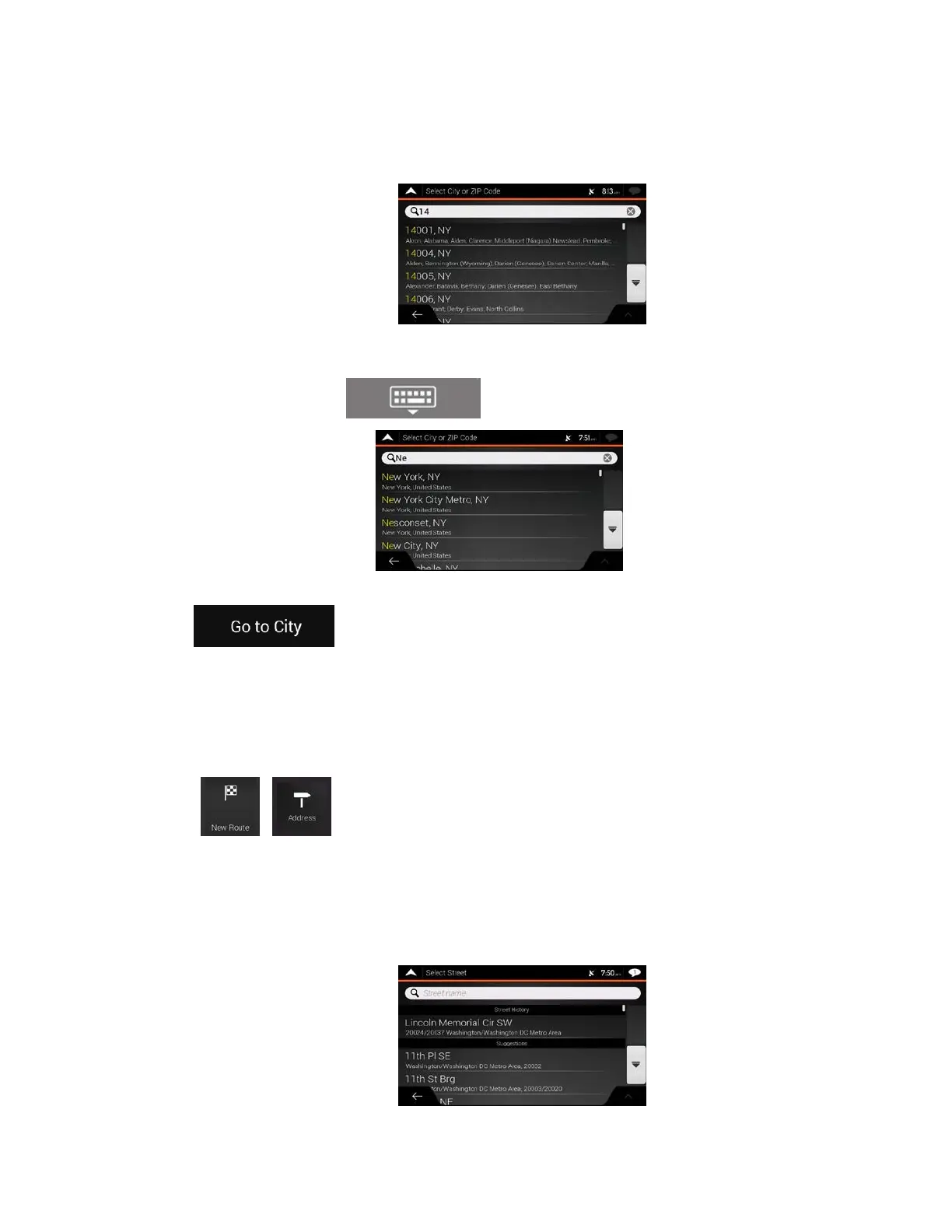
b. (
optional) On the Town of ZIP code screen, you can select a town from the list of
suggestions.
c. O
therwise, start entering the first few letters of the town. The names that match the stri
ng
appe
ar in a list.
d. To open the list, tap
and select the town.
3. Tap
. This way the center of the displayed town becomes the destination of
the route.
3.1.2.4 Selecting the midpoint of a street
To navigate to the midpoint of a street without entering the house number, perform the following steps:
1. Go to
, , and select the country and town as described earlier. The Select Street
screen appears.
2. Enter the street name by performing the following steps:
a. Tap the Street name field.
b. (optional) On the Select Street screen, you can immediately select a street from the list of
suggestions.
33



 To Next Page