3.1.3.4 Finding help nearby
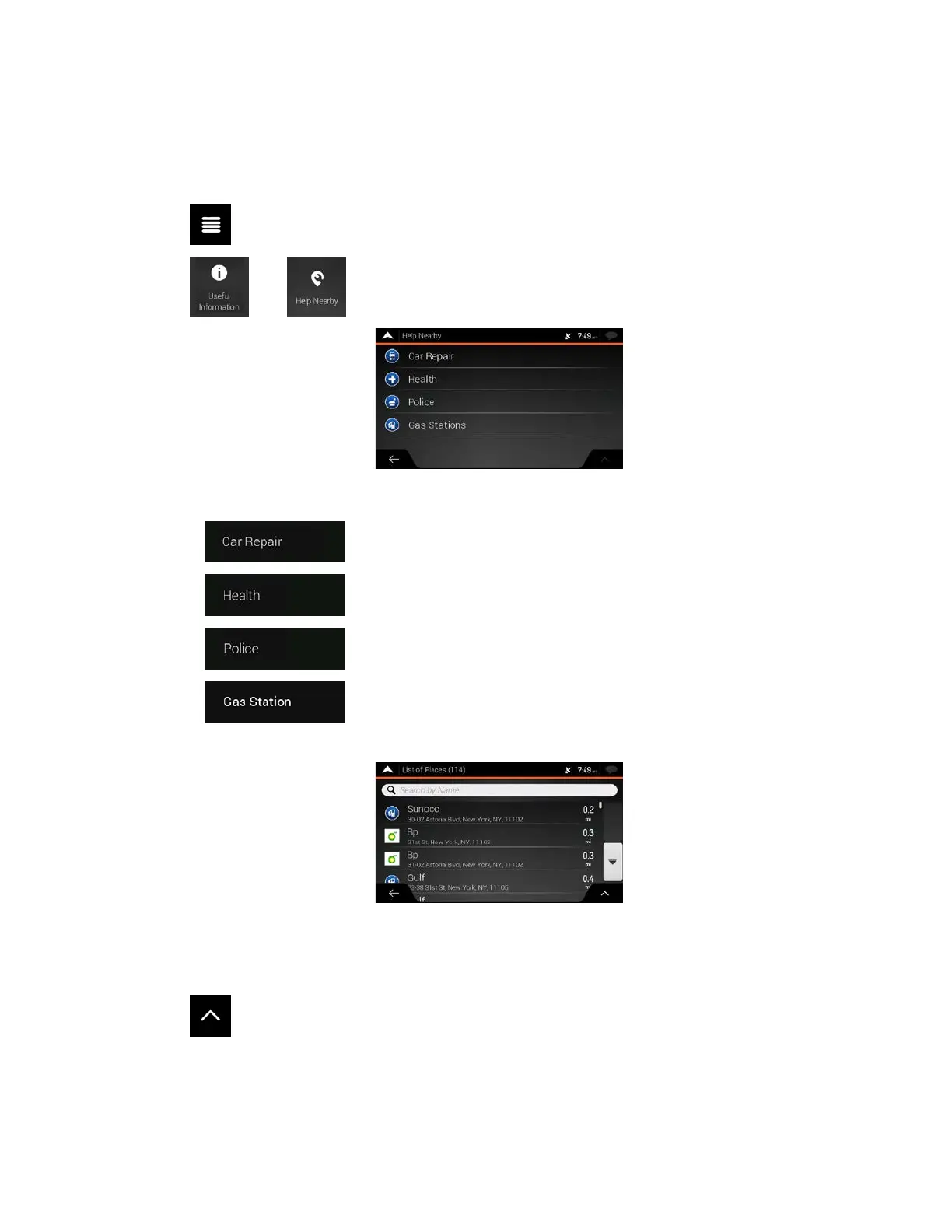
To quickly search for nearby assistance, perform the following steps:
1. T
ap
on the Navigation view to access the Navigation menu.
2. T
ap
and .
P
laces in the following pre-set search categories can be searched for around the current position
(or around the last known position if the current position is not available):
•
: Car repair and roadside assistance services
•
: Medical and emergency services
•
: Police stations
•
: Gas stations
3. Tap any of the quick search buttons to get an instant list of those types of Places.
4. (
optional) The Places in the list can be ordered by the following criteria:
• By their distance from the current or last known position
• By name.
Tap
to reorder the list.
5. Browse the list and tap one of the list items. A full screen map appears with the selected point i
n
t
he middle.
6. The process continues the same way as in case of any other Places search. See page 36.
42



 To Next Page