3.4.1 Editing a saved location
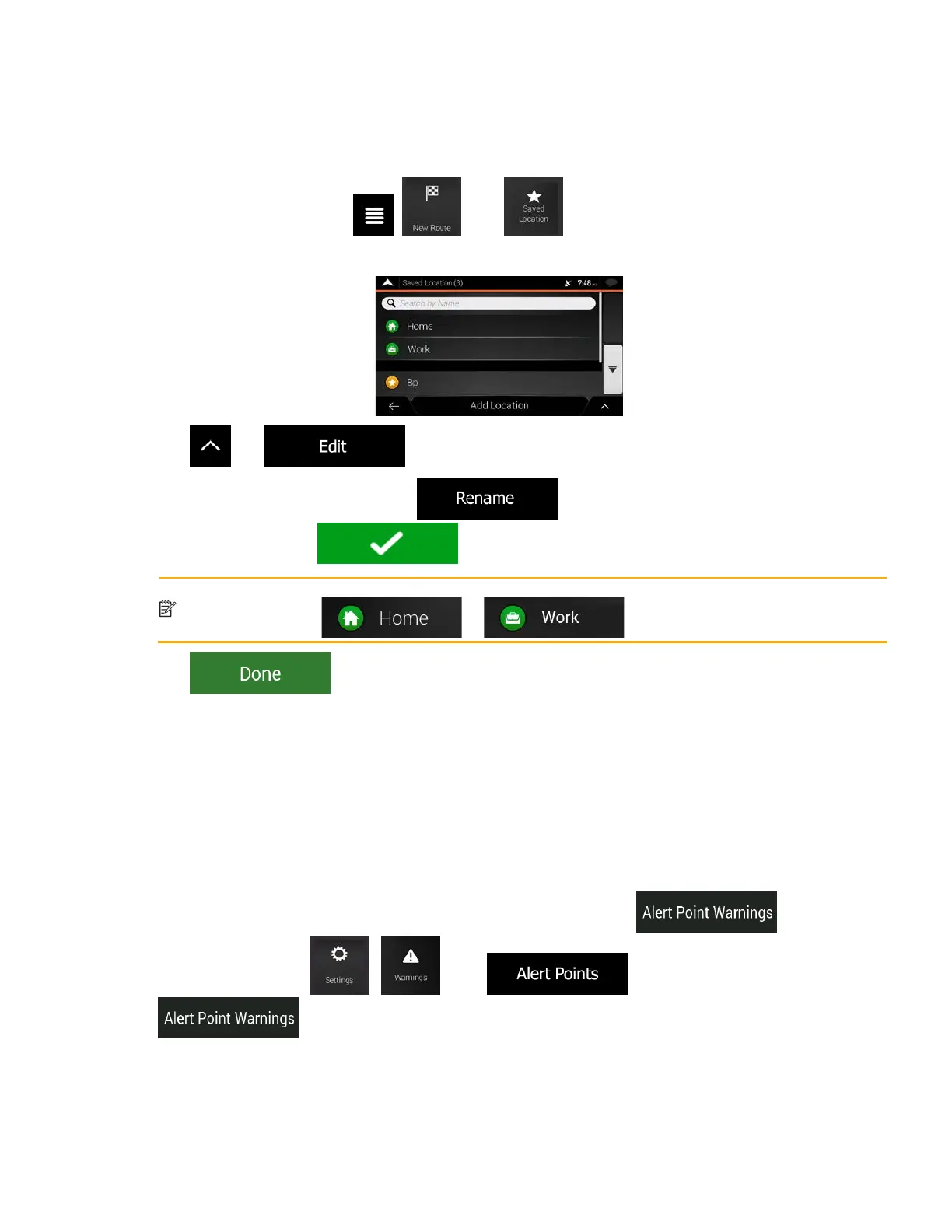
To edit a location that you have already added as a Saved Location, perform the following steps:
1. On the Navigation view, tap
, , and .
2. The list of Saved locations is displayed.
3. Tap
and .
4. Tap the location you want to edit, tap
and enter the name of the location on
the keyboard, then tap
.
Note!
In Saved Locations, Home and Work cannot be renamed. To change your home or work
location, tap or , and confirm the address change.
5. Tap .
Adding a location to the list of saved locations is described on page 59.
3.5 Adding an Alert Point
You can save any map location as an Alert Point, for example a speed camera or a school zone.
1. If you would like to save an Alert Point for the first time, switch on the
. In the
Navigation menu, tap
, , then . Switch on
and confirm your selection.
60



 To Next Page