Note!
The warning for road safety cameras is disabled when you are in a country where road safety
camera warning is prohibited. However, you must make sure that using this feature is legal in
the cou
ntry where you intend to use it.
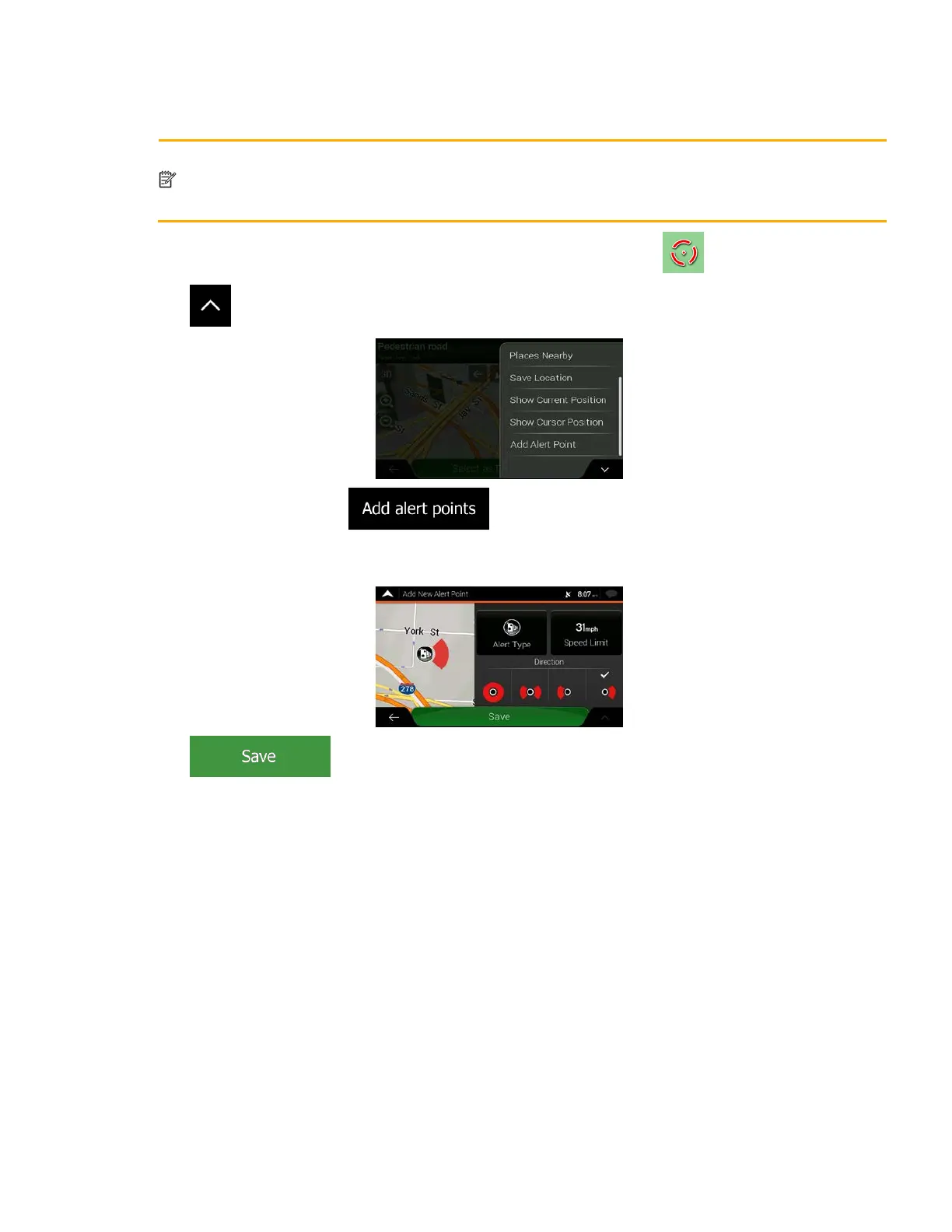
1. Return to the Navigation view, and select the Alert Point. The red cursor ( ) appears there.
2. T
ap
.
3. S
croll down the list and t
ap
.
4. Select the type of the Alert Point, the direction from which you expect the alert, and (if applicable)
the speed limit for this Alert Point.
5. Tap
to save the location as a new Alert Point.
61



 To Next Page