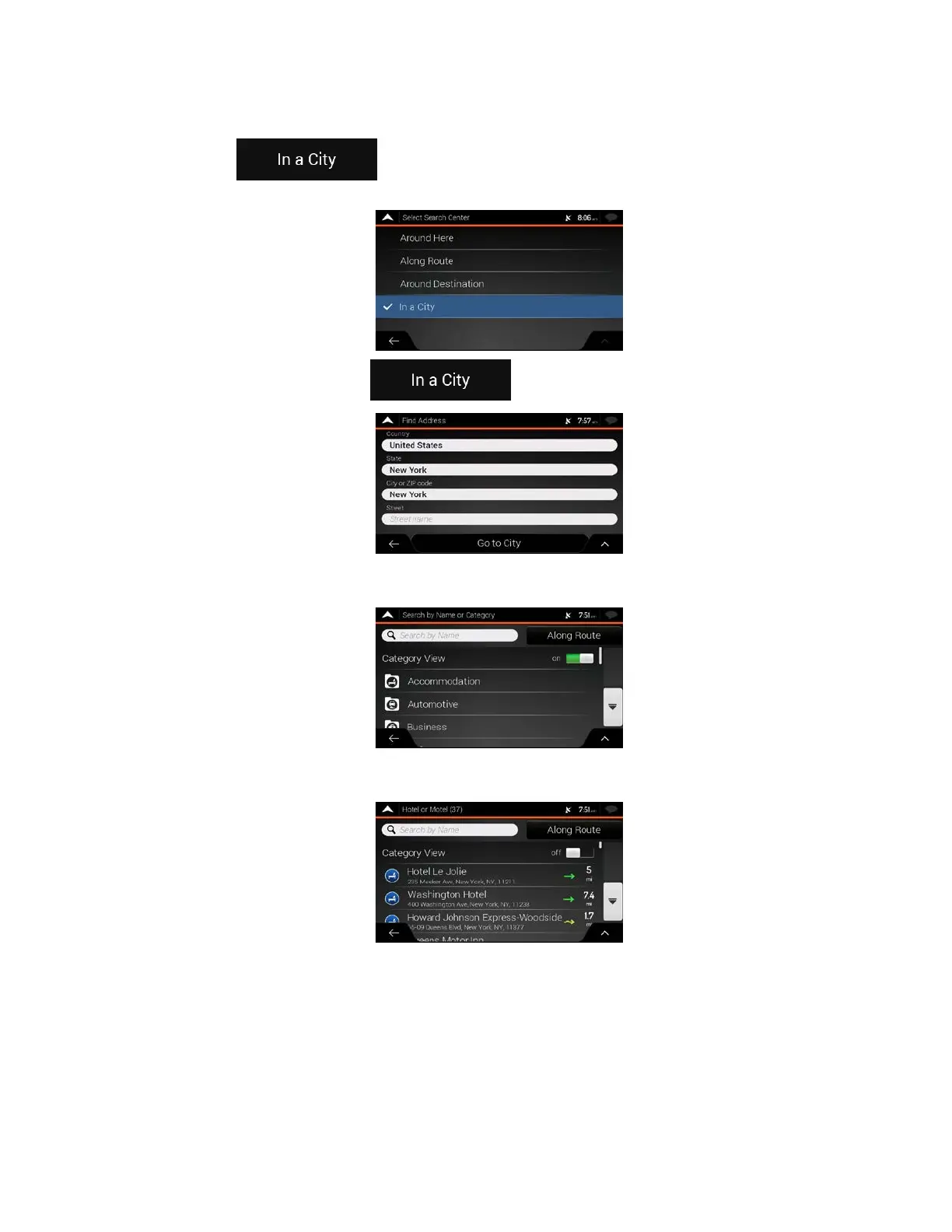
• Tap
to search for a place within a selected town. (The result list is
ordered by the distance from the center of the selected town.)
5. (
optional) If you have select
ed
, select the town to search in.
6. S
elect one of the main Place categories (for example, Accommodation), then browse t
he
s
ubcategories (for example, Hotel or Motel) to find your destination.
7. Y
ou can turn the Category View off at any level to list all Places around the selected location or
along the route.
8. (
optional) The Places in the list can be ordered by the following criteria:
• Name
• Their distance from the current or last known position
• Their distance from the selected town
• Their distance from the destination
• The length of the necessary detour.
39



 To Next Page