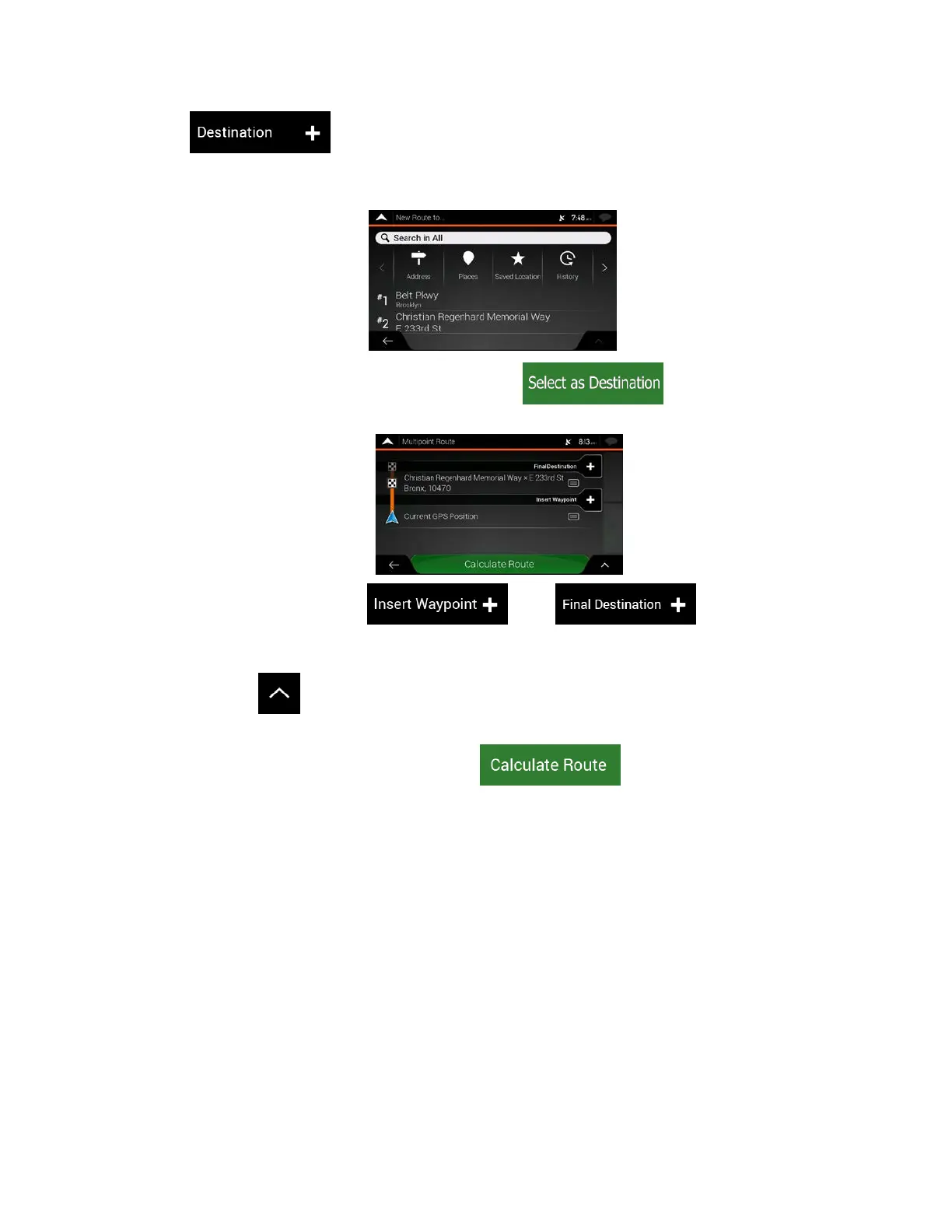
4. Tap to select the destination.
5. The New Route to... screen appears, where you can select the destination of the route the sam
e
w
ay as described in the previous sections.
6. W
hen the selected location appears on the map, ta
p
and the list returns. If
needed, you can add further intermediate destinations.
7. T
o add more route points, tap
or tap to change the final
destination. The Add to Route... menu appears again, where you can select the new route point
the same way as you have set the destination before.
8. (optional) Tap
to optimize the whole route or the order of waypoints. You can also delete all
the destinations.
9. When you have added all the route points, tap
and the planned route is
automatically calculated.
50



 To Next Page