$%-JTU
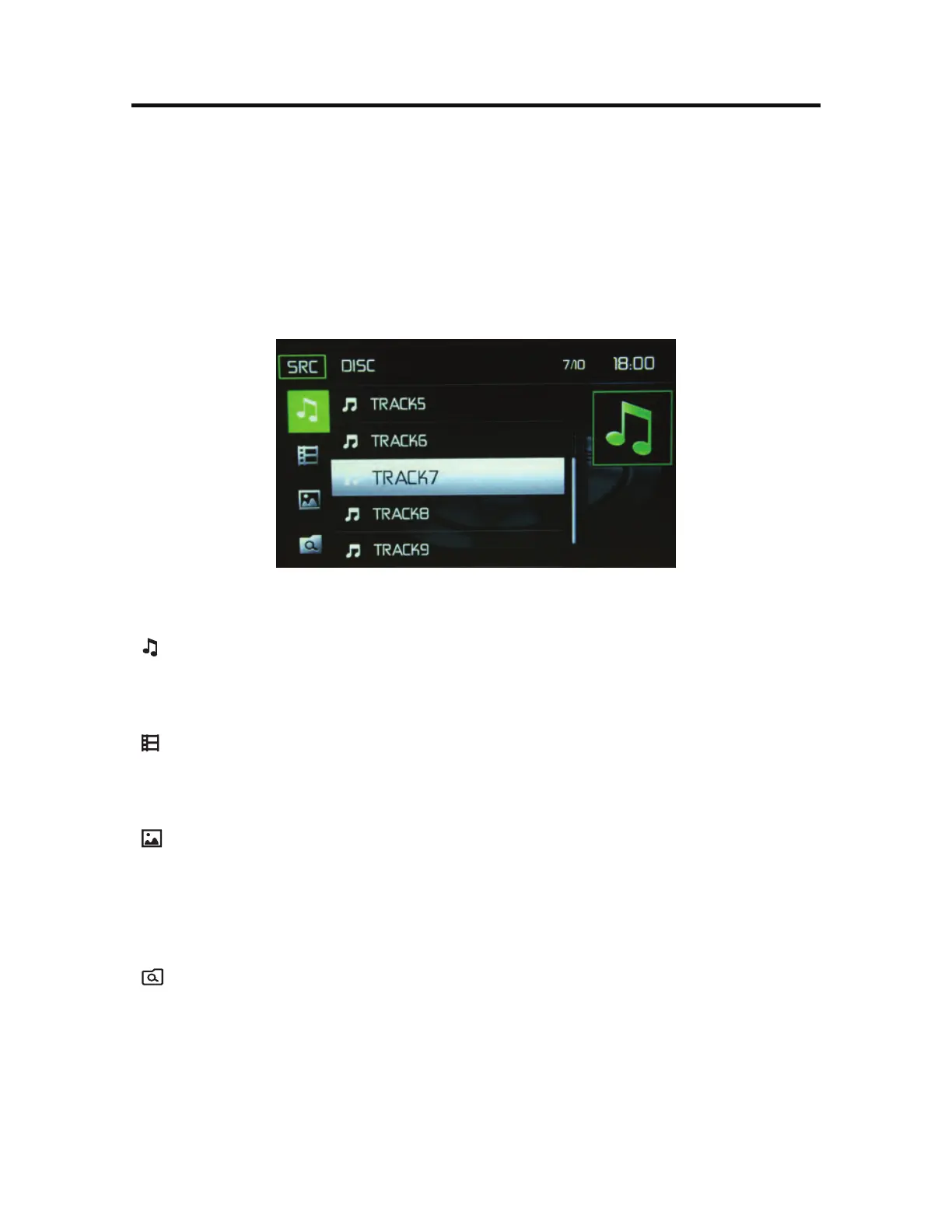
Touching the List icon will display the CD List Screen. The CD List Screen illustrates
the contents of a CD disc. The contents are divided into folders and various le
types. The le types are audio tracks, Audio Video Interleave (AVI) les, and image
les such as JPEGS. AVI les is a format designed to store both audio and video
data for simultaneous playback. Touching the icon will display the les present on
the disc.
$%-JTU4DSFFO
( )"VEJP'JMFT - Touch the audio le icon to display the audio les. Touch the
audio le icon to select a track. Touch the audio le icon again to conrm and
playback will begin.
( ) 7JEFP'JMFT - Touch the video le icon to display the video les. Touch the
video le icon to select a video le. Touch the video le icon again to conrm and
playback will begin.
(
)*NBHF'JMFT+1&(FUD - Touch the image icon to display a folder or
individual JPEG les. Touch the image icon to select a folder or an individual JPEG
le. In the case of a JPEG folder touch the folder icon twice and the contents of
the folder will be displayed. Touch the JPEG image icon to select and view an
individual JPEG le.
(
)'PMEFST - Touch the icon to display the folder/le hierarchy. Touch the folder
icon twice and the contents of the folder will be displayed. Touch the le’s icon to
select a le. Touch the icon again to conrm and open the le.



 To Next Page