$BMM5SBOTGFS
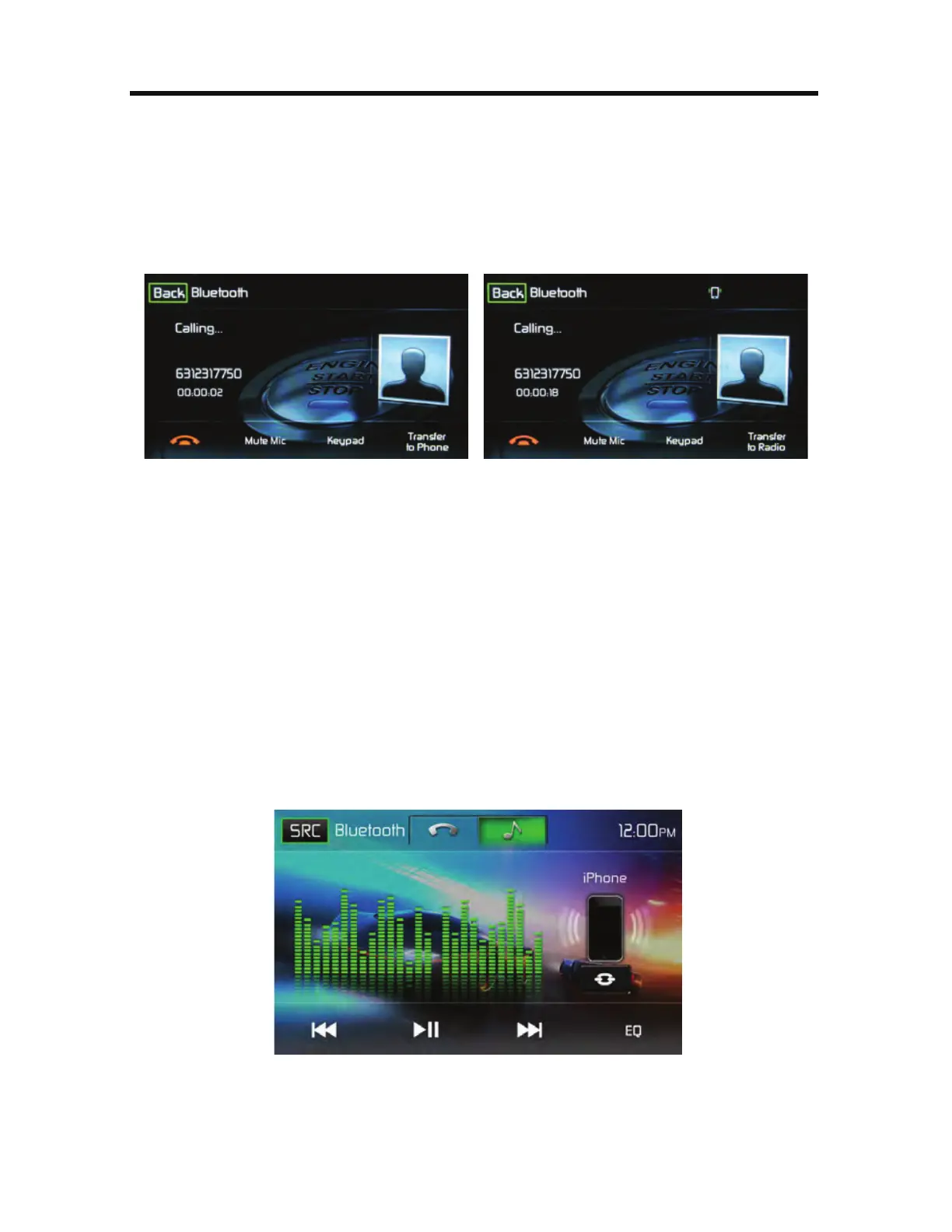
While talking, to transfer audio from the unit back to the mobile phone, touch the
5SBOTGFSUP1IPOF icon. You can only transfer a call after it has been answered.
Touching the 5SBOTGFSUP3BEJPicon will return the audio from the mobile phone
to the unit. Touch the 5SBOTGFS$BMMicon and the following screen will appear:
5SBOTGFSUP1IPOF4DSFFO 5SBOTGFSUP3BEJP4DSFFO
$BMM5SBOTGFS4DSFFOT
#MVFUPPUI.VTJD'VODUJPO
Bluetooth® provides an Advanced Audio Distribution Profile (A2DP) profile for
streaming music from a mobile phone or a portable multimedia player (PMP),
sometimes referred to as a MP3 player. The unit allows you to play back audio files
from your mobile phone or a PMP using a Bluetooth® connection.
/PUF1MFBTFRVJU"%1NPEFCFGPSFBUUFNQUJOHUPNBLFBQIPOFDBMMBT
VOFYQFDUFESFTVMUTNBZPDDVSEFQFOEJOHPOZPVSNPCJMFQIPOFNPEFM
The
unit can control a Bluetooth® audio player via Advanced Audio Distribution Profile
(A2DP) or Audio/Video Remote Control Profile (AVRCP). Bluetooth® audio players
(or Bluetooth® adapters) compatible with these profiles can be connected to this
unit. The following screen is used for streaming music.
#MVFUPPUI"VEJP$POUSPM4DSFFO



 To Next Page