-PDLJOH49..BUVSF$IBOOFMT
SiriusXM® attaches a label to channels with mature content. The radio recognizes
these channels as “Mature”. The Mature Channel Lock option allows you to lock
out channels with “Mature” labels. These channels will still appear in the channel
listing (with a lock
icon), but will not be tunable unless the parental lockout
password is correctly entered.
-PDL.BUVSF$IBOOFMT
To lock mature channels:
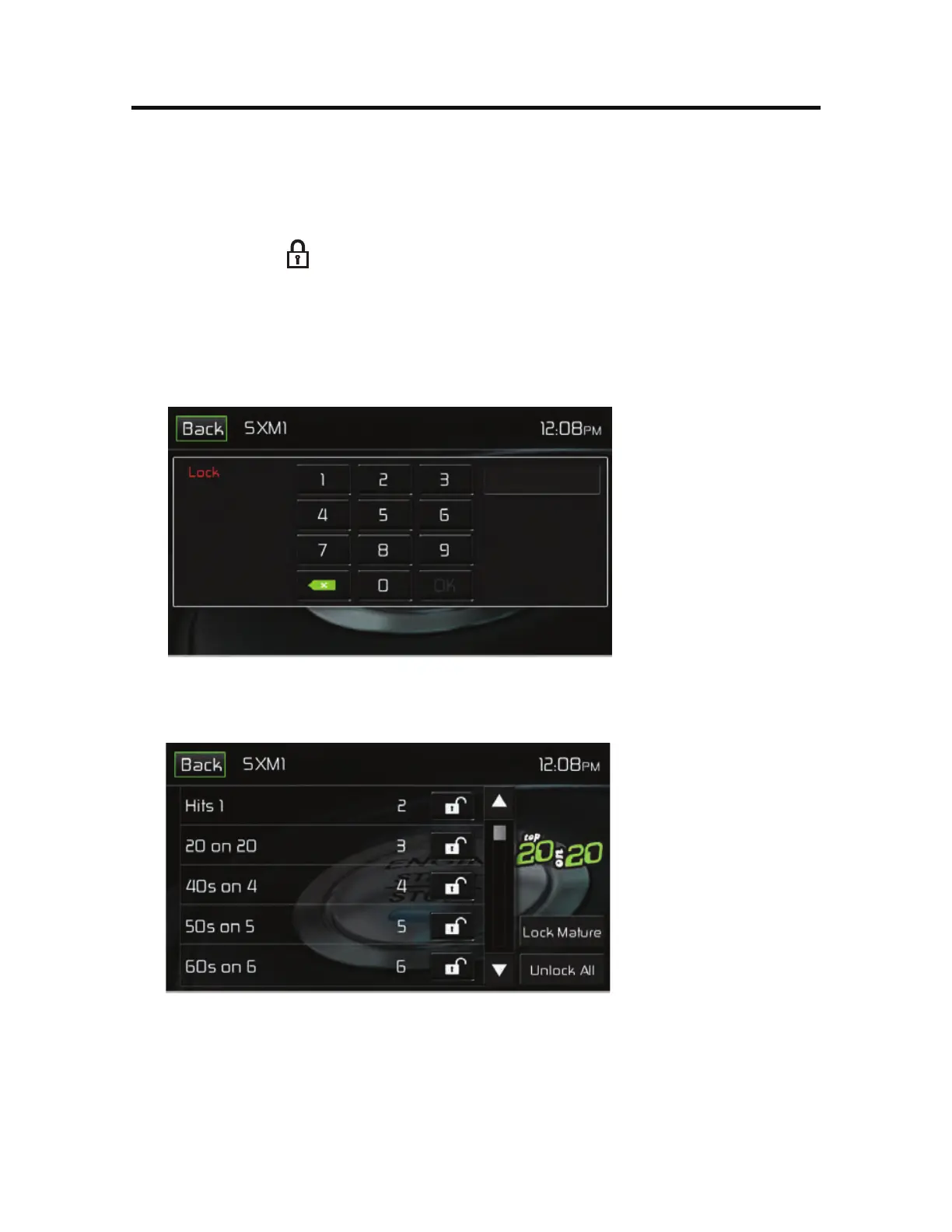
1. On the SirusXM® menu page 2, touch the -PDL icon. The following screen
appears:
&OUFS-PDL1BTTXPSE4DSFFO
2. Enter your 4-digit password and then press the 0, icon. The following screen
appears:
-PDL4DSFFO
3. Touch the -PDL.BUVSF icon. The mature channels are now locked.



 To Next Page