6OMPDLJOHB$IBOOFM
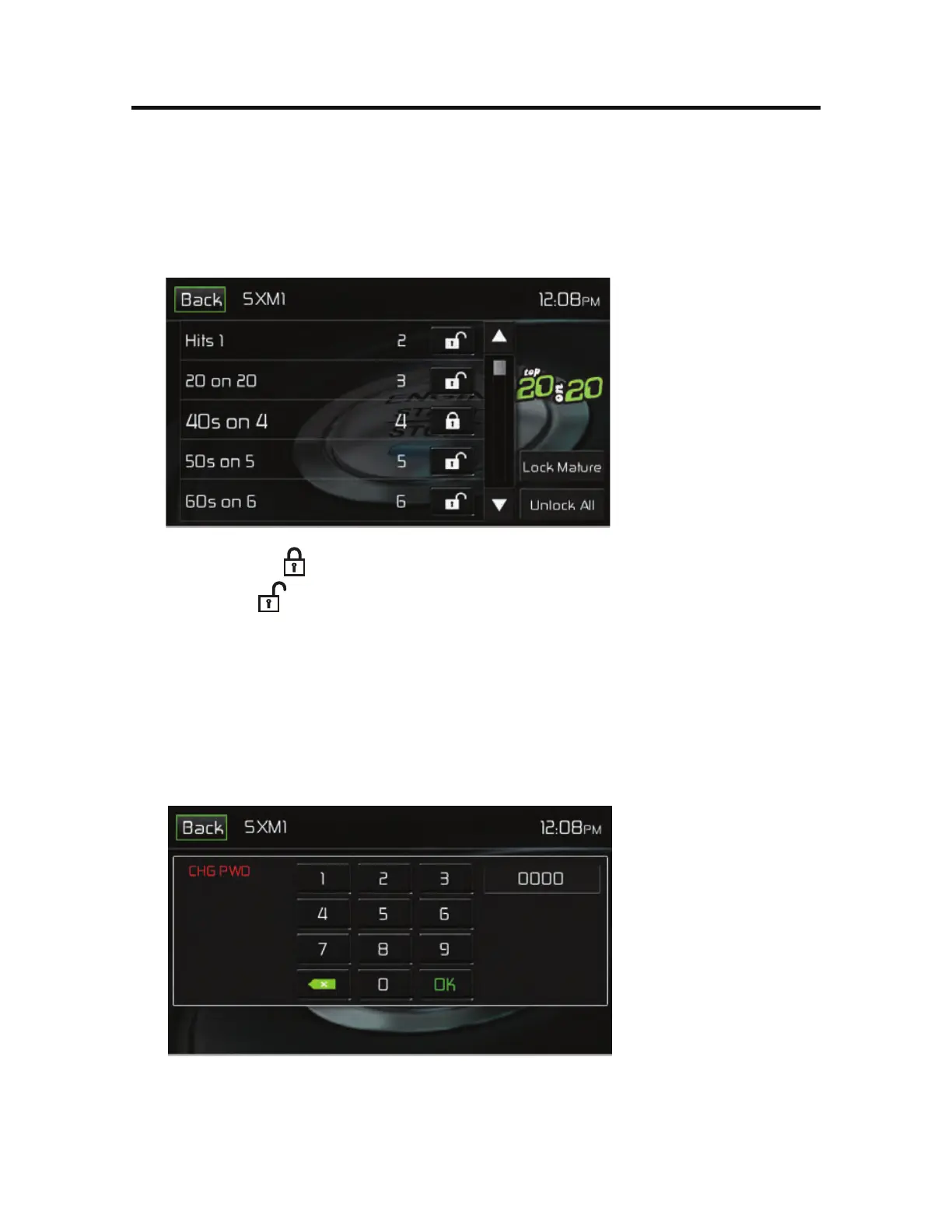
To unlock an individual channel:
1. On the SirusXM® menu page 2, touch the Lock icon. The Enter Password
Screen appears appears.
2. Enter your 4-digit password. The following screen appears:
6OMPDL4DSFFO
3. Touch a lock (
) icon to unlock a channel. The icon is replaced by an
unlocked (
) icon. The channel is now locked.
$IBOHF-PDL1BTTXPSE
The Change Lock Password option allows you to change the password from the
default or current custom password to another password.
/05&5IFEFGBVMUQBTTXPSEJT
To change a password:
1. Touch the $)(18% icon. The following screen appears:
$IBOHF1BTTXPSE4DSFFO
2. Enter your 4-digit password and press the 0, icon.
3. Enter the new 4-digit password and press the OK icon. The new password is
set.



 To Next Page