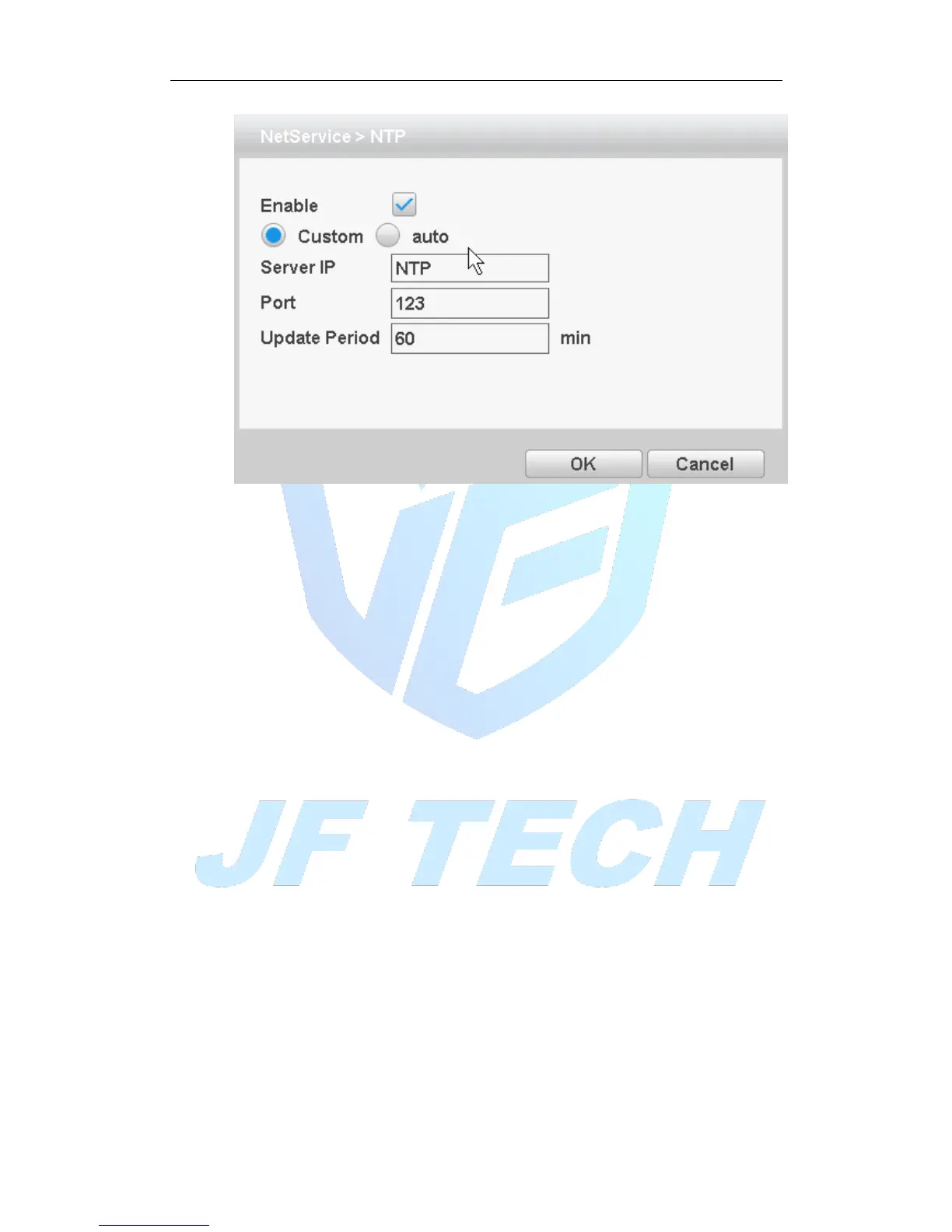
Figure 4.19NTP settings
It required install the NTP service on the PC.
Enable: Anti ■ means, select Enable, set to take effect.
Server IP: Enter installed NTP server PC IP;
Port: The default NTP port 123, the port settings can be based on actual NTP server;
Update Period: the same NTP server check interval, the default is 10 minutes.
[Email]:
Set the e-mail addresses for DVR sent and received alarm information.



 To Next Page