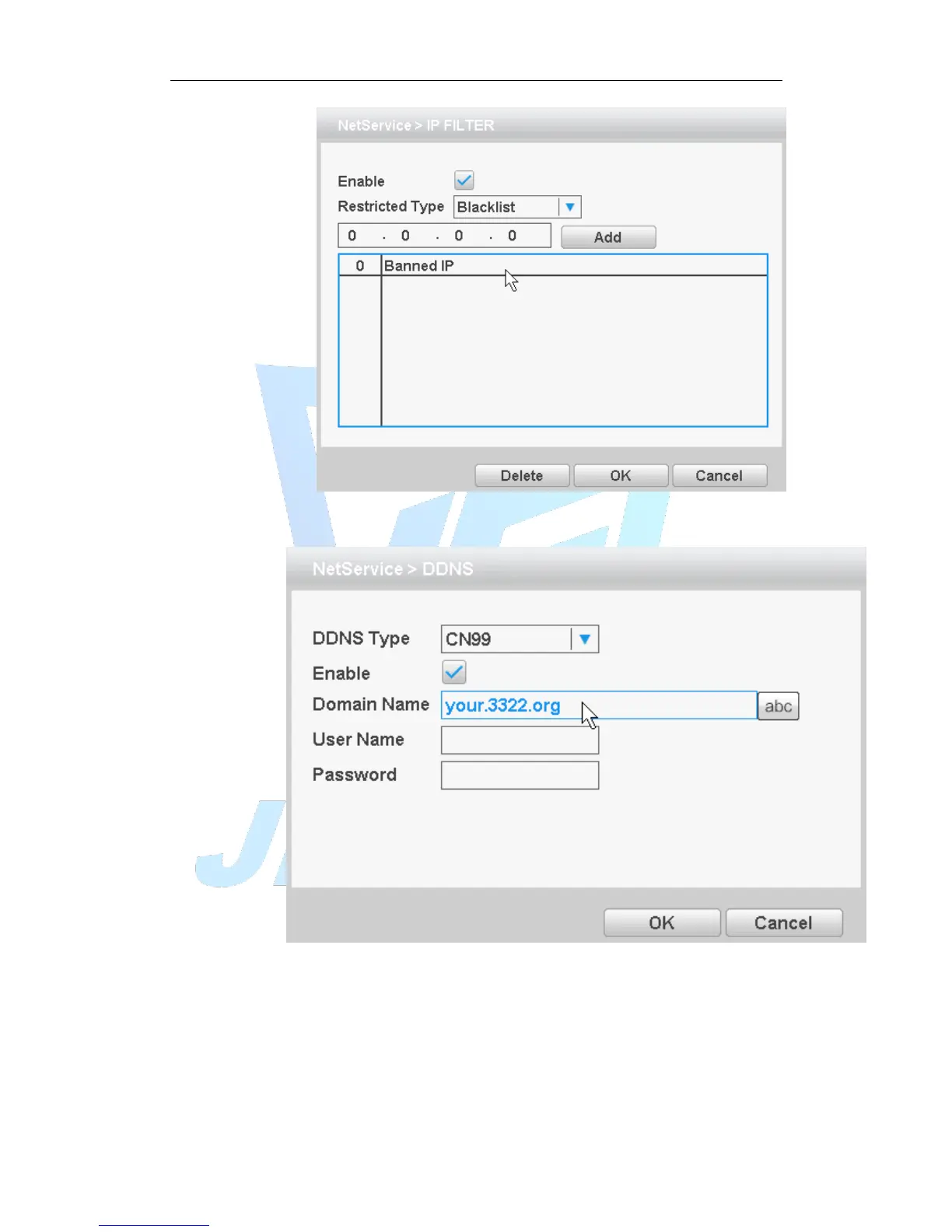
Figure 4.21IP rights settings
[DDNS]
Figure 4.22 DDNS settings
It is the abbreviation of dynamic domain name server.
[Domain name]:Provide the domain name registered by DDNS.
[User name]:Provide the account registered by DDNS.
[Password]:Provide the password registered by DDNS.
When the DDNS is successfully configured and start, you can connect the domain name
in the IE address column to visit.



 To Next Page