Google play APP Store
9
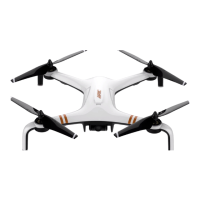
X7
Operation Manual
2) Power indicator light
○ Charging(Turn off the remote control before charging.)
Indicator Light Status Indication
▂ ▂ ▂ ▂ ▂ ▂ ▂ ▂ ▂
Flashing green light Charging
▂▂▂▂▂▂▂▂▂▂▂▂
Solid green light Charging completed
○ In operation
Indicator Light Sound Status Indication
▂▂▂▂▂▂▂▂▂▂▂▂
Solid green light Null RC is working normally
▂ ▂ ▂ ▂ ▂ ▂
Slowly ashing red light B-B- B-······ Low battery warning,please charge RC immediately
▂ ▂ ▂ ▂ ▂ ▂ ▂ ▂ ▂
Quickly ashing red light B-B-B-······
Serious low battery warning,RC will automatically turn off when
the sound stops
▂▂▂▂▂▂▂▂▂▂▂▂
Solid red light Null Serious error
▂ ▂ ▂ ▂ ▂ ▂ ▂ ▂
Double-ashing green light BB-BB-BB-······
Idle time is more than 5 minutes,after the operation of the RC,
the sound will disappear automatically.
3) Mode indicator light
Indicator Light Sound Status Indication
▂▂▂▂▂▂▂▂▂▂▂▂
Solid green light
/
GPS mode
▂ ▂ ▂ ▂ ▂ ▂
Slowly ashing green light B-B- B-······ Altitude hold mode
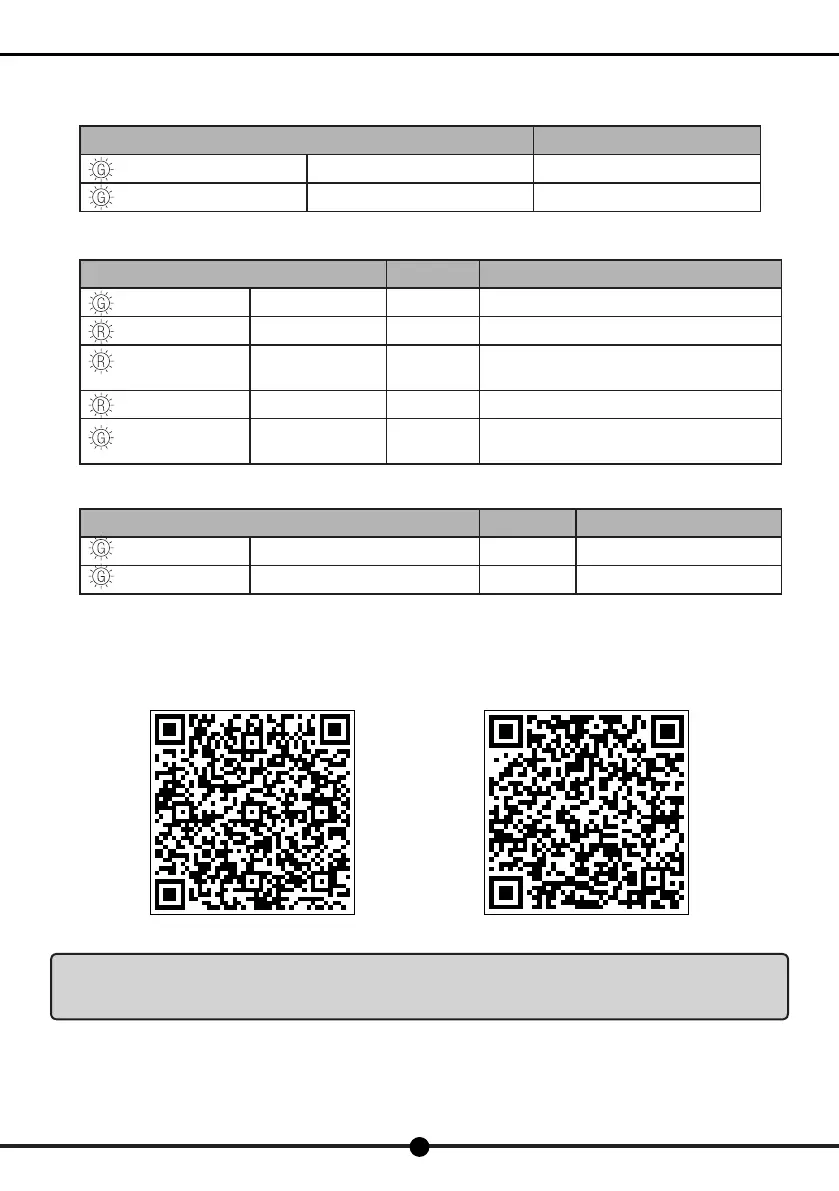
3. Download the APP
Please connect the APP before using this product. It is able to use the APP to manipulate the ight and the gimbal and the camera,
and control functions such as taking photos or videos and other settings.
Scan the following QR code to download APP
Notice:For more details on how to control the aircraft via the APP, please refer to"Fly via the APP" in this
manual. When using the APP, users need to make sure that mobile phone supports 5G WiFi, otherwise the
aircraft is unable to connect with the phone.


 To Next Page
 Loading...