SECTION 2 - PROCEDURES
3121801 2-33
Remember, you may always cancel a selected menu item by
pressing the ESC key.
Changing the Access Level of the Hand Held
Analyzer
When the analyzer is first connected, you will be in access level
2 which enables you to only view most configuration settings
which cannot be changed until you enter a password to
advance to a lower level. This ensures that a setting cannot be
accidentally altered. To change the access level, the correct
password must be entered. To enter the password, scroll to the
ACCESS LEVEL menu. For example:
MENU:
ACCESS LEVEL 2
Press ENTER to select the ACCESS LEVEL menu.
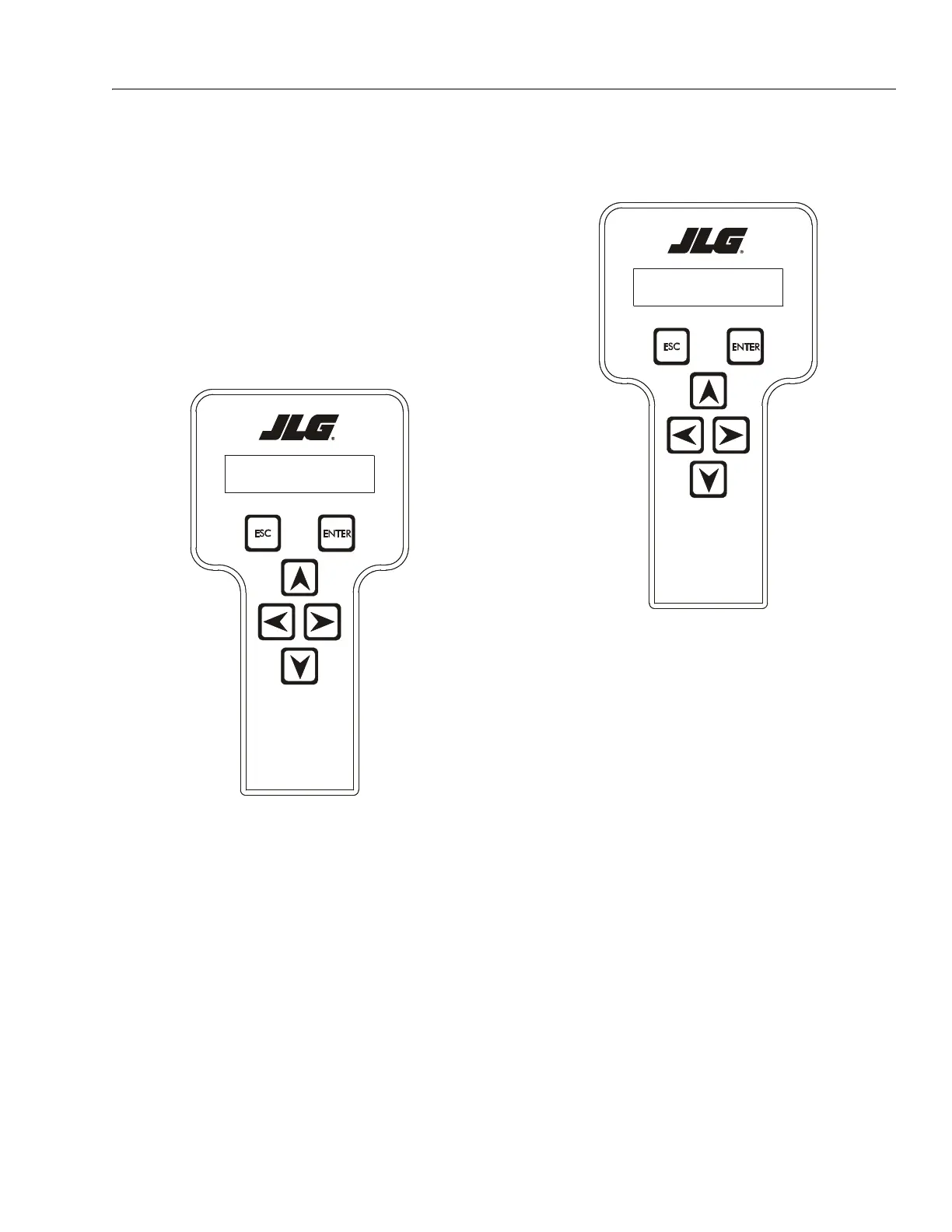
Using the UP or DOWN arrow keys, enter the first digit of the
password, 3.
Then using the RIGHT arrow key, position the cursor to the
right one space to enter the second digit of the password.
Use the UP or DOWN arrow key to enter the second digit of
the password which is 3.
Repeat this process until you have entered all five digits of the
password which is 33271.
Once the correct password is displayed, press ENTER.
The access level should display the following, if the password
was entered correctly:
MENU:
ACCESS LEVEL 1
Repeat the above steps if the correct access level is not dis-
played or you can not adjust the personality settings.



 To Next Page