36
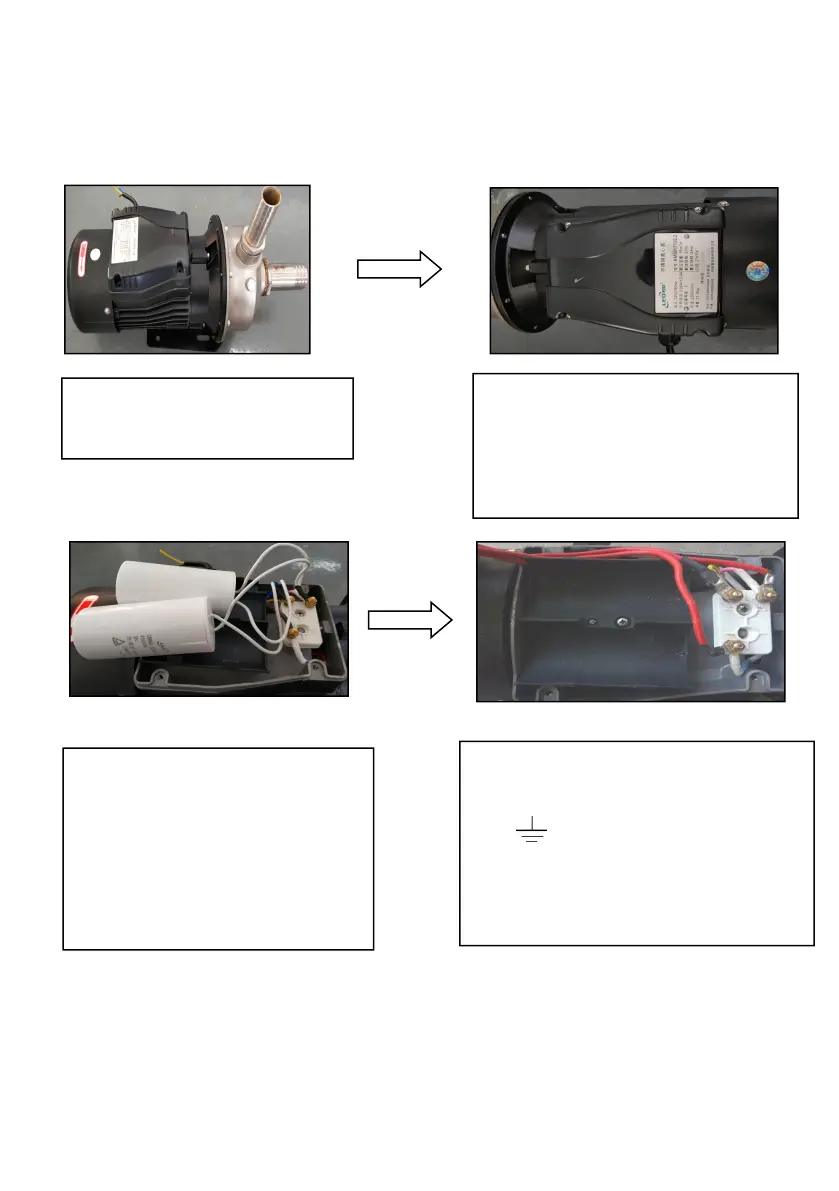
6.4.2 Capacitor removal example
Step 1: Put the single pump
on the open and hard ground.
Step 2: Remove 4 fixing screws
from end cover plate with cross
screwdriver and remove end
cover plate.
Step 3: After remove end cover,
find the terminal connected to
the capacitor lead, loosen the
fastening nut and remove the
original wire of capacitor and
motor.
Step 4: Prepare a four-core motor
extension wire, fix the ground wire in
the “ ” position, connect the other
three wires to the three terminals
and fix them with nuts. Finally, cover
it.



 To Next Page