60
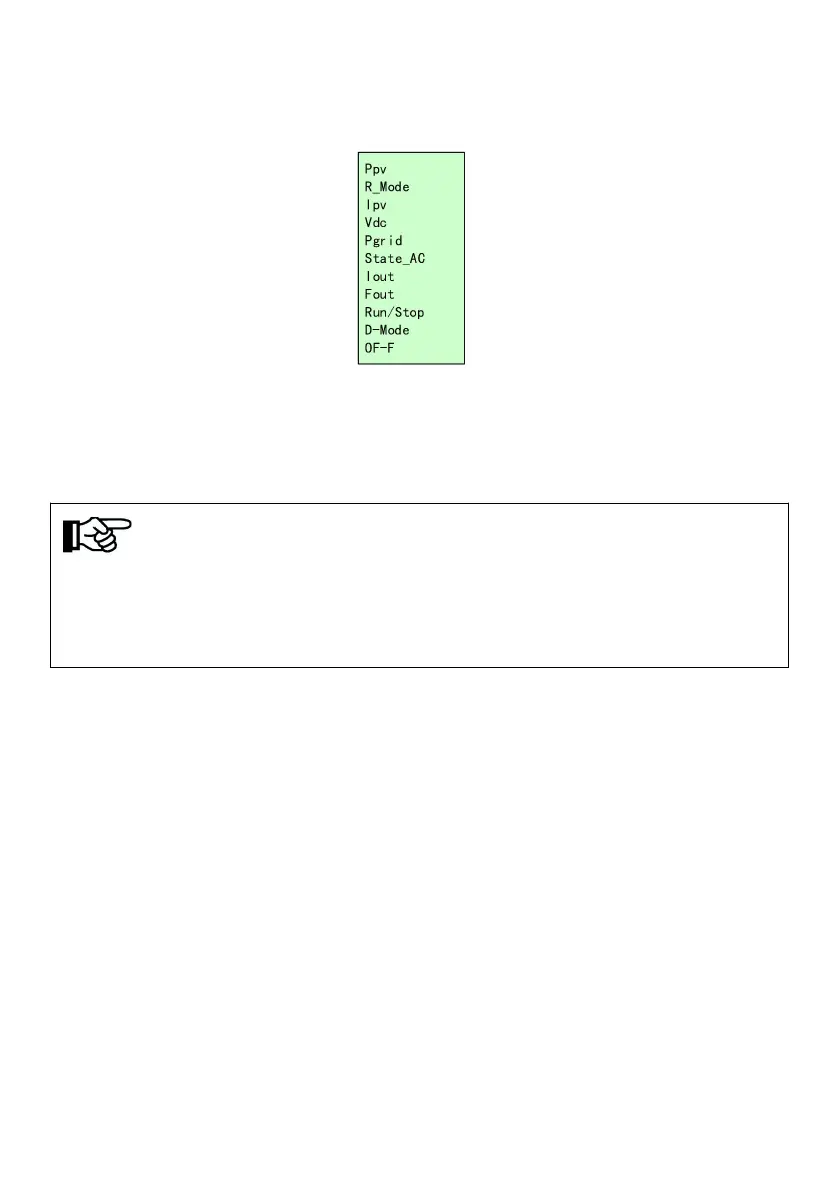
Figure8-6 Main interface
Main interface display basic running information. Main interface will turn page
auto after 10s, or you can turn page through pressing "UP" and "DOWN"
button.
Noted!
JNPxL series inverter with single-phase water pump load is powered on for the
first time, the motor parameters will be detected. After passing the detection, the
next operation will be carried out according to the LCD operation prompt.
8.3 System parameter query and setting
8.3.1
Query information item description
The query information items include main interface information, operation
information, basic information, water pump information, statistical information,
and fault information.
All query information items can be queried on the LCD display interface.
“Figure 8-2 LCD menu block diagram 1” lists the locations where all queried
information items are located.
The following describes the operation information, basic information, pump



 To Next Page