59
Figure8-4 System initialize
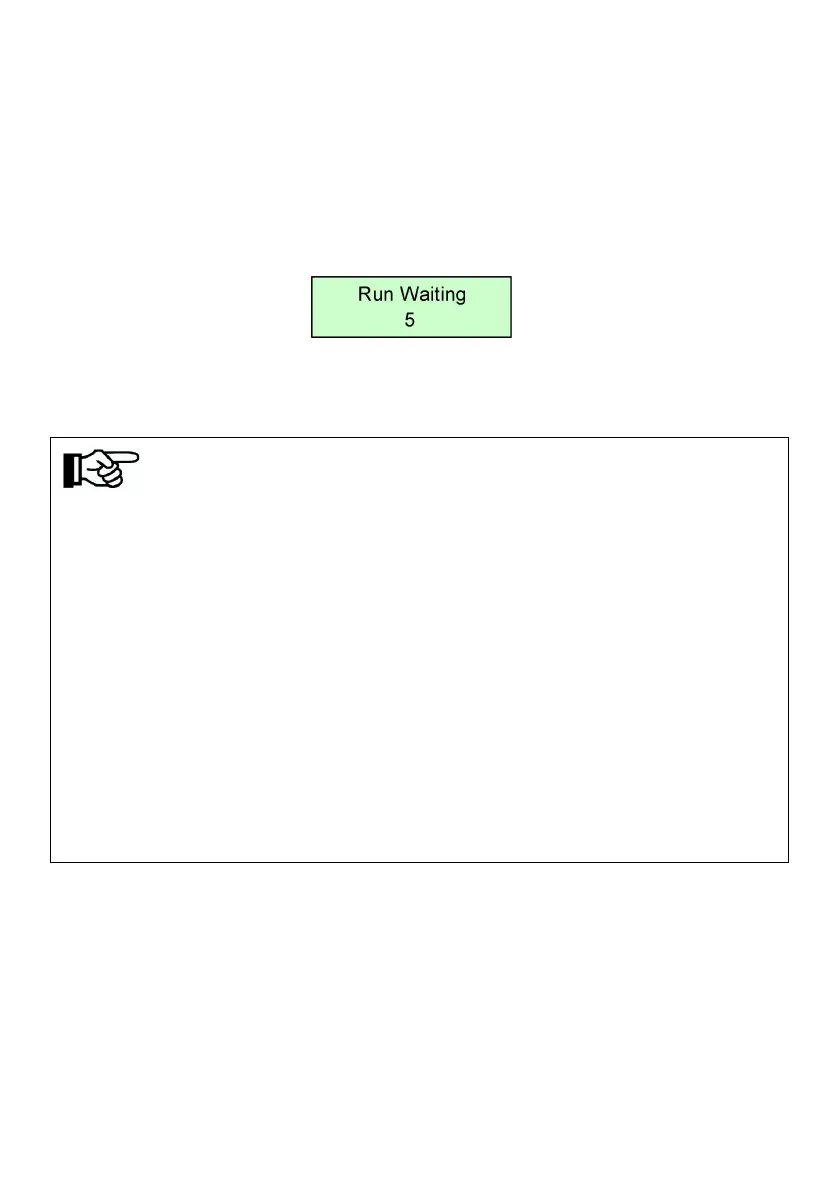
If the start-stop mode is auto., countdown interface will be display after
initialization complete, and when countdown finished, LCD will enter the main
interface, inverter will drive water pump. “RUN” indicator light.
Figure8-5 Countdown interface
If the start-stop mode of the system is manual (factory default setting), long
press the "ON/OFF" key for 3s, and the inverter will start up and run.
Note!
● The default mode of inverter is manual start-stop mode. When inverter
power for the first time, it need key-press to start the inverter to drive
pump.(Run after long-time press “ON/OFF"), at the same time, manual
start-stop mode will change into automatic start-stop mode directly.
●
Press “ON/OFF” stop the inverter and it will get started while long-time
pressing “ON/OFF”, if not do like this, the system won’t start.
● The inverter can work at regular intervals, that is, the inverter automatically
stops after the set working time. For details, please refer to "8.3.2.1 Timing
Shutdown Time Setting" and "8.3.4 Parameter Setting".
●
The long button time described in this article is approximately 3 seconds.
●
LCD display two lines of characters.
After inverter initializing, main interfaces will be displayed circularly:



 To Next Page