74
Operator’s Manual
Operations
QUADRIGA 1000/BB
5.1-4
4.1-3
5.1-5
1
2
3
2
4
5
5
5.1.2 Clamping - Unclamping the wheel
Note: In the case of wheels without a central hole
or with a hole that is unsuitable for
clamping, special adapters are available
as accessories; these allow the wheel to
be locked in place using the lug nut holes.
See the 'Accessories available on Request'
section.
Below is a list of the different types of non-standard
wheels that clamping kits are available for:
- REVERSE DROP CENTER WHEELS
- LARGE WHEELS (Van wheels)
- WHEELS WITHOUT A CENTRAL HOLE
5.1.2.1 Clamping the wheel
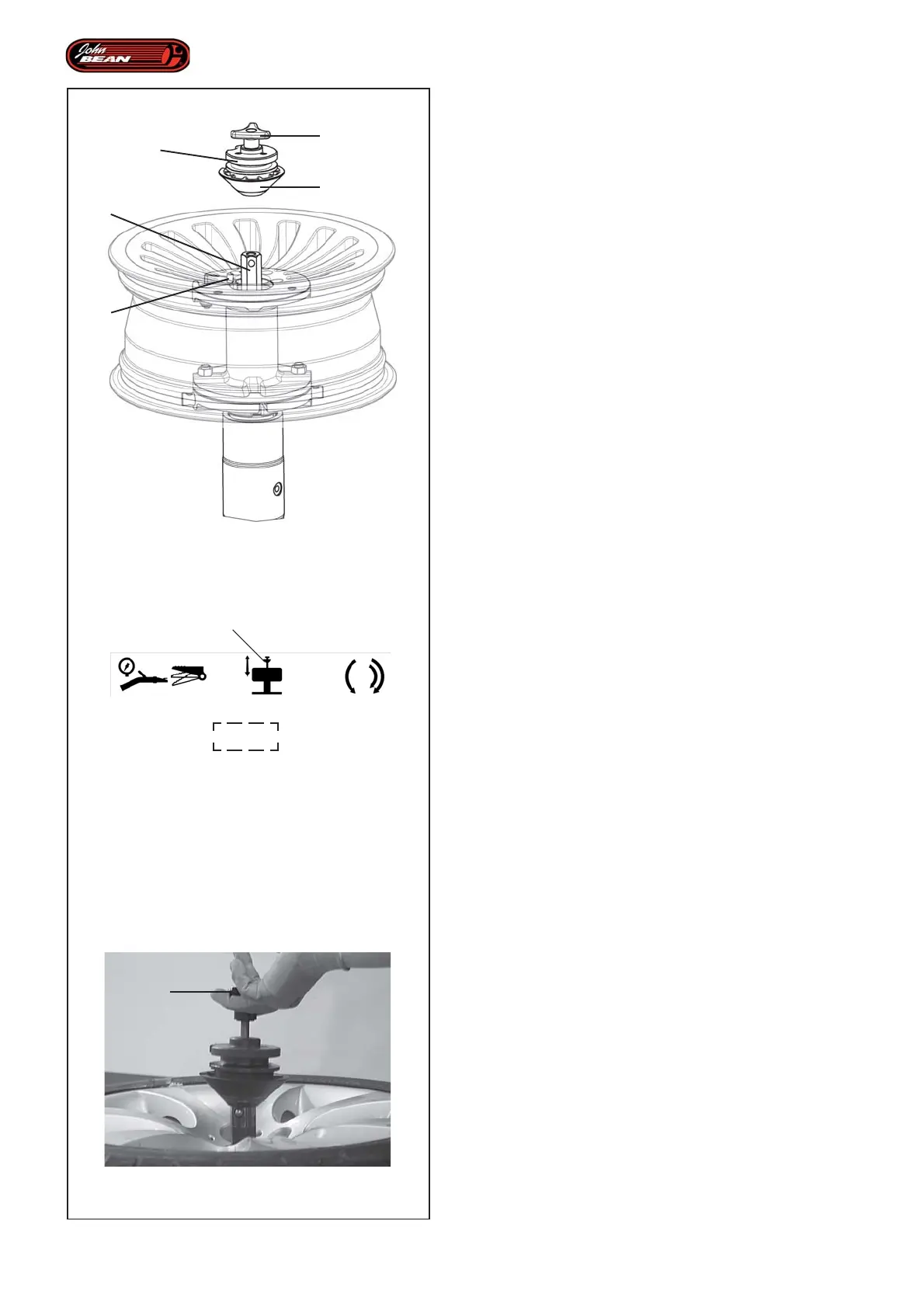
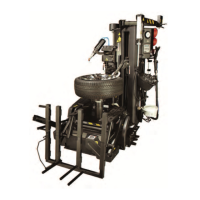
Figure 5.1.3-1
To complete the wheel or rim loading operation on the
Wheel Holder Flange, proceed as follows:
• Rotate the rim on the flange until the grip pin 1 is
brought inside one of the securing holes on the wheel.
• Check that the machine is in Manual Mode.
• Use the control (2, Fig. 4.1-3) to lift the hexagonal
rod 2.
• Prepare the clamping unit 3, with the cone 4, required
for the hole diameter and the type of rim you are
clamping.
• Insert the complete clamping tool onto the hexagonal
rod 2.
Note: Before proceeding check that the tool is
gripping as it should be.
• Clamp the rim using the clamp command (2, Fig.
4.1-3).
The wheel is now locked in place and tire mount/demount
tasks can be carried out.
5.1.2.2 Unclamping the wheel
To unclamp the wheel:
• Check that the machine is in Manual Mode.
• Activate the pedal command (2, Fig. 4.1-3).
Note: Every time you press the Clamp/Unclamp
command pedal the hexagonal rod will
move in the opposite direction to the
previous one.
• Pull the knob (5, Fig. 5.1.3-1) upwards and remove
the Clamping Unit completely.


 To Next Page