EasyManua.ls Logo

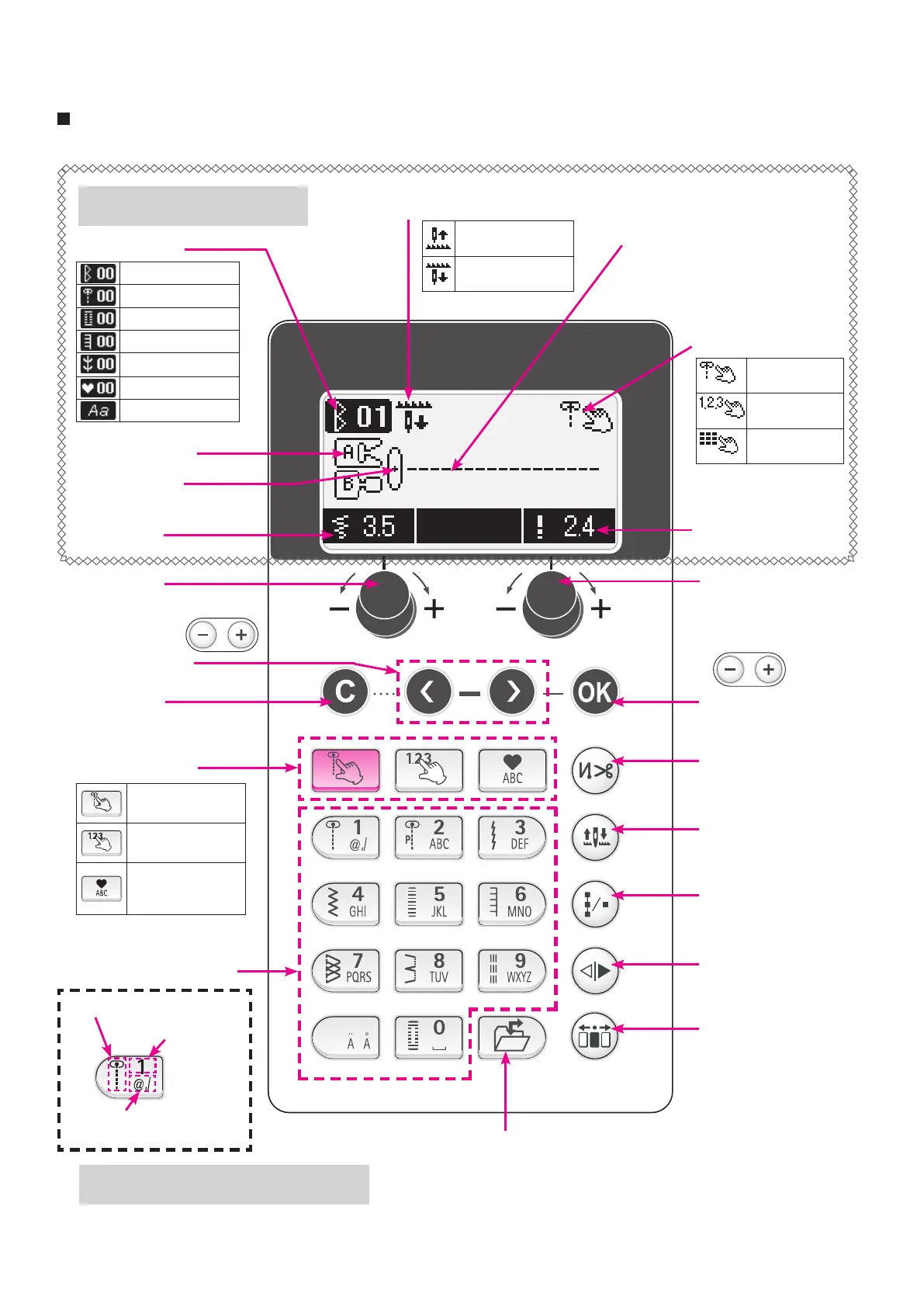
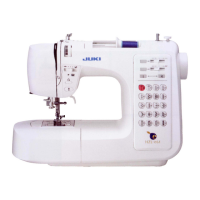
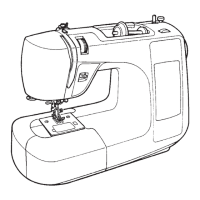
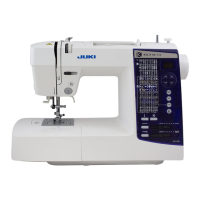
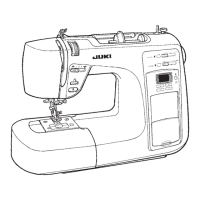
JUKI HZL-F series - PCB connection diagram

JUKI HZL-F series
133 pages
Print Icon
To Next Page IconTo Next Page
To Previous Page IconTo Previous Page
Loading...
Presser foot to
be used (marking)
Stitch pattern
Zigzag width
Stitch length
Pattern select mode
2
Stitch length
adjusting dial
3
Conrmation
button
6
Automatic lock
stitch and thread
trimming button
7
Needle stop position
switching button
8
Continuous
stitch button
9
Mirror image
button
!0
Option button
4
Selection button
1
Zigzag width
adjusting dial
5
Clear button
!3
Pattern selection mode
switching button
!2
Pattern selection button
Needle stop position
Pattern number
Name and function of other operational buttons
* Patterns on the screen
will be sewn.
Operational buttons and screen
!1
Save/Call button
Description of screen
Name of operational button
10
Direct select
Select by number
Cell phone
input
Needle stops at
its highest position
Needle stops at its
lowest position
Direct pattern
Letters
(Cell phone input)
Number
selection
(Input by
number)
Needle position
(Center needle position in
this pattern.)
Direct patterns
Practical patterns
Buttonhole patterns
Quilt patterns
Decorative patterns
One-point patterns
Letters
10 most often used
patterns can be
selected.
Practical patterns other
than direct patterns can
be selected.
Patterns such as
letters which can be
combined, can be
selected.
* Adjusting buttons
on F400/F300.
* Adjusting buttons
on F400/F300.

Table of Contents

Other manuals for JUKI HZL-F series

Related product manuals