Setting the temperatures
28
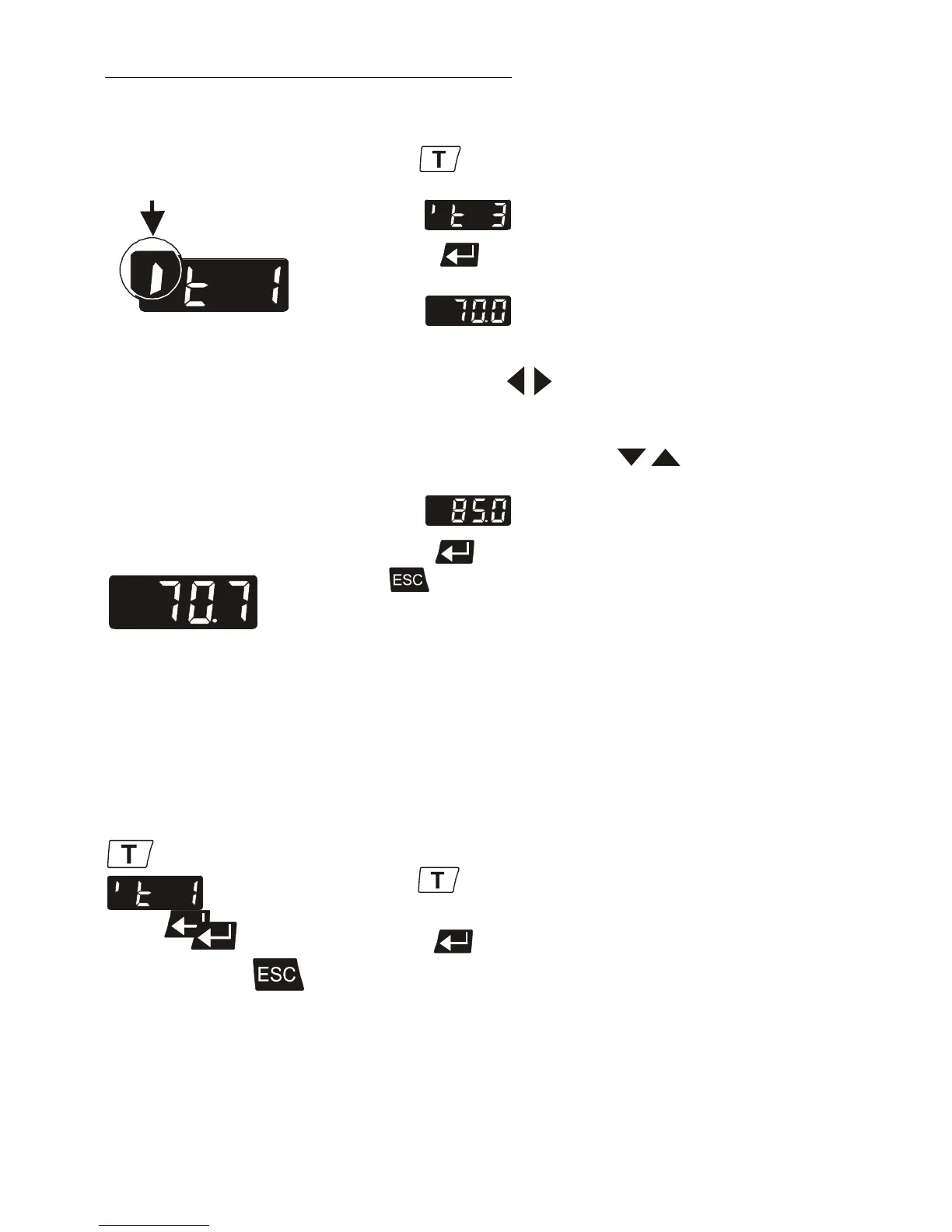
Example: Setting working temperature "t 3":
Identifier of a
menu window
Example: Indication of
effective actual value
1. Press the key until the desired menu window is
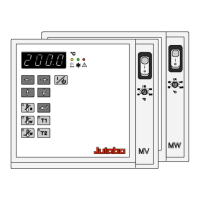
indicated on the MULTI-DISPLAY (LED).
Example: t 3
2. Press enter to indicate the adjusted value for t 3 on
the MULTI-DISPLAY (LED).
Example: 70.0 °C (last digit blinks)
3. Change the value to 85 °C.
Use the cursor keys to move left or right on the
display until the numeral you wish to change blinks.
Use the increase/decrease arrows to change the
selected numeral (-, 0, 1, 2, 3, ... 9).
Example: .
4. Press enter to store the selected value.
Press to update the display immediately.
i In the >Start< condition, the circulator immediately uses
this value for control of the working temperature.
F
Notice: see chapter
6.3. Limitation of the operating temperature range
Example: Selecting the working temperature
• Press the key until the desired menu window is
indicated on the MULTI-DISPLAY (LED).
• Press enter twice.
The circulator uses the new working temperature value for
temperature control.
Artisan Technology Group - Quality Instrumentation ... Guaranteed | (888) 88-SOURCE | www.artisantg.com


 To Next Page