Menu functions
38
i Depending on which calibration type is selected (1-point,
2-point or 3-point calibration) only the necessary menu
items are indicated.
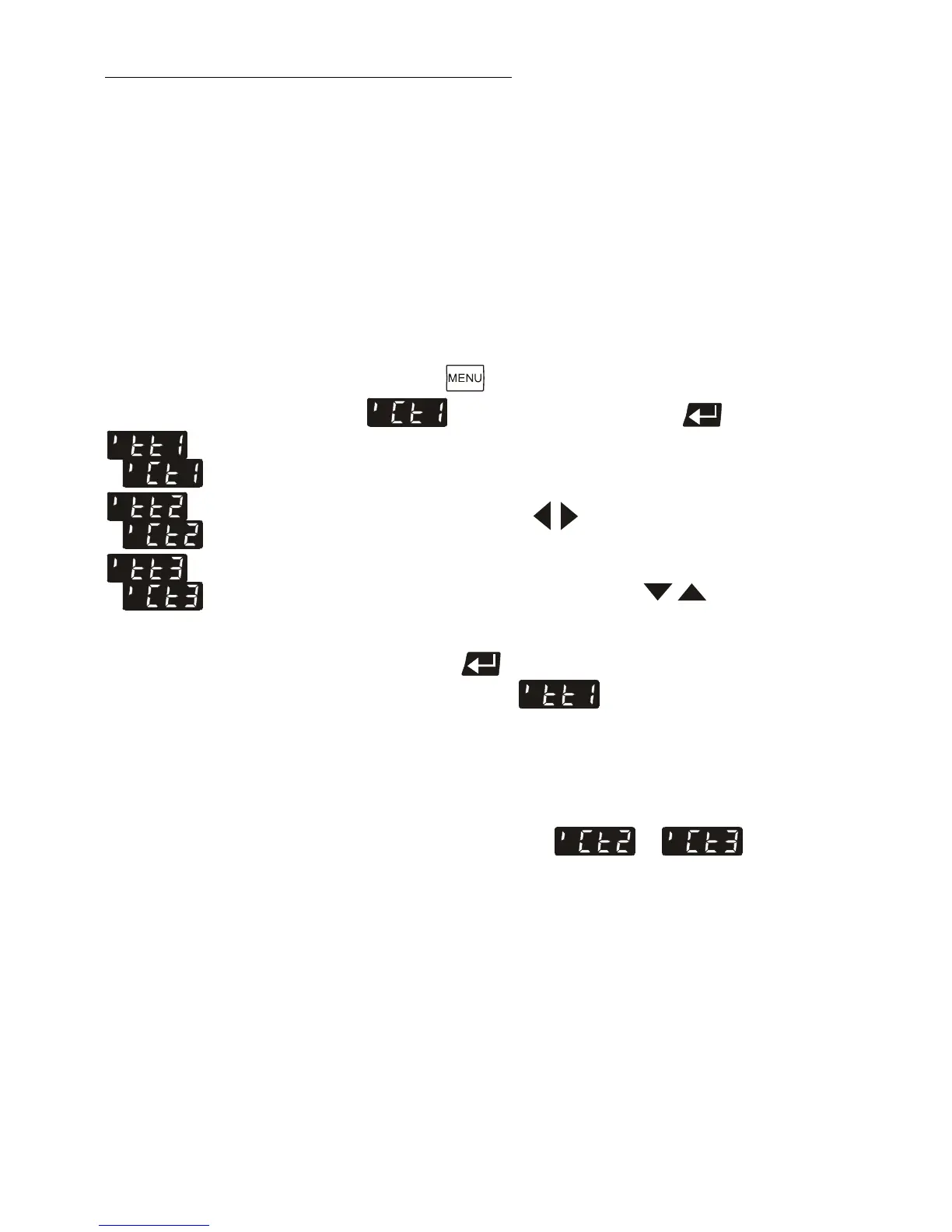
For 1-point calibration: >tt1< and >Ct1<
For 2-point calibration: >tt1< and >Ct1<
>tt2< and >Ct2<
For 3-point calibration: >tt1< and >Ct1<
>tt2< and >Ct2<
>tt3< and >Ct3<
From example on
page 37 for T
M
= Ctx
= 79.7 °C
= 119.5 °C
= 159.3 °C
6. Setting and storing the value:
Press the button until the menu item
is displayed and press enter to open the
input window.
Read the value of T
M
on the temperature measuring
device and enter the respective value.
Use the cursor keys to move left or right on the
display until the numeral you wish to change blinks.
Use the increase/decrease arrows to change the
selected numeral (-, 0, 1, 2, 3, ... 9).
Press enter and the circulator also stores the value
of T
T
as value for (80.00 °C).
The first of the 3 points is now calibrated.
i The values for >ttx< can only be displayed, but they cannot
be modified.
7. Repeat the calibration procedure for 120 °C and 160 °C.
Store the values under or resp.
F
Notice:
In the ATC status > YES<, the ATC calibration curve always
affects the effective working temperature (also the one set via
the interface).
Artisan Technology Group - Quality Instrumentation ... Guaranteed | (888) 88-SOURCE | www.artisantg.com


 To Next Page